Wifi in the garden: outdoor access point, outdoor mesh or outdoor repeater?
Indoor wifi gets through walls and glass poorly. Here is how to choose a device that can hang outside, and how to connect a summer house further down the garden.

Popular picks from this guide
-
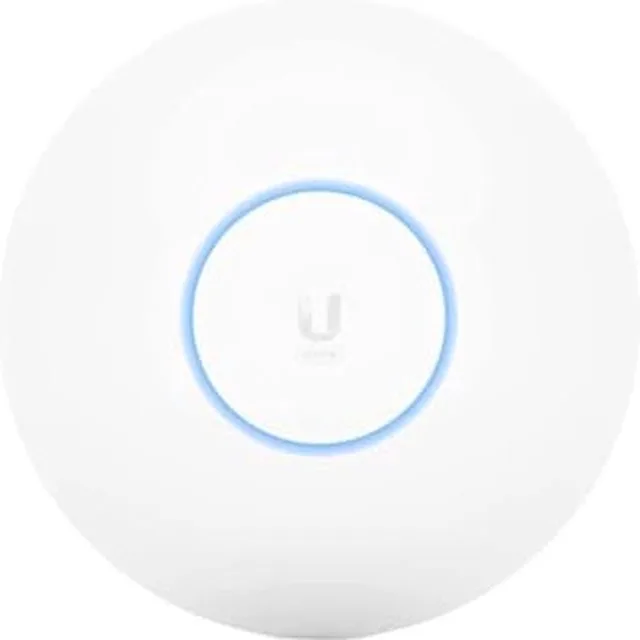
Ubiquiti U6+ network access point, Wi-Fi extender, WiFi 6, 3000 MbpsGo to Megekko
From €118.90 · at 4 shops
Lowest in 23 days
- Go to Megekko
-
Ubiquiti UniFi 7 Pro network access point, Wi-Fi extender, tri-band, Wi-Fi 7, PoE+Go to Joybuy
From €197 · at 6 shops
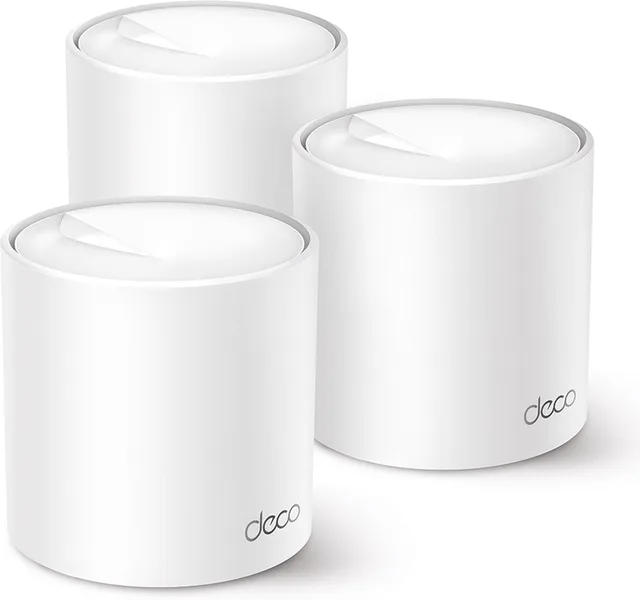
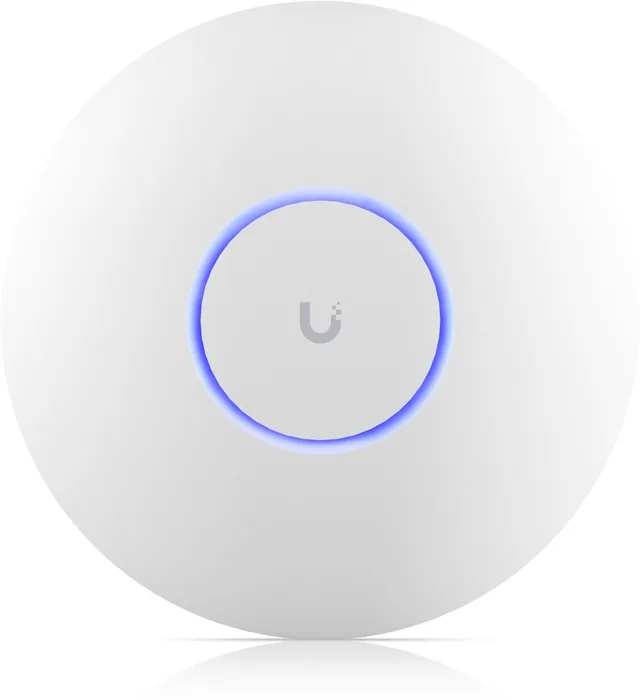
Popular products at today's lowest price. Compare every shop on the product page.
Short answer: For wifi in the garden you need a device that is made to hang outside: an outdoor mesh unit, an outdoor access point or an outdoor repeater, with an IP rating against dust and water. If you can run a network cable outside, an access point with PoE gives a wired link with no wireless hop to the inside; if the shed is far away, bridge the distance with a wireless outdoor link.
The details below come from the makers, the product names and the IEC 60529 standard for IP ratings. Wifiknight tests nothing itself. Leave work on outside walls or outdoor power to someone qualified, and follow the device's manual.
Why indoor wifi is weak outside
Walls, coated glass and the distance to the router all hold the signal back. So you can't simply move an indoor router or extender to the back door and expect the garden to be covered. A device outside, or just behind a window on the garden side, works better. Indoor devices don't belong outside: rain, damp and cold are not what they are built for. There are dedicated outdoor versions.
IP ratings: what do IP65 and IP67 mean?
The IP code comes from the IEC 60529 standard and has two digits. The first covers dust and solid particles, the second water. A 6 as the first digit means dust tight. As the second digit, 5 means protected against water jets and 7 against temporary immersion.
In the catalogue the IP rating is sometimes in the name. The TP-Link Deco BE25-Outdoor lists IP65, the D-Link AC1200 outdoor access point IP67. If the name gives no IP rating, check the maker's specifications before you mount a device outside.
Outdoor mesh: the garden in your existing network
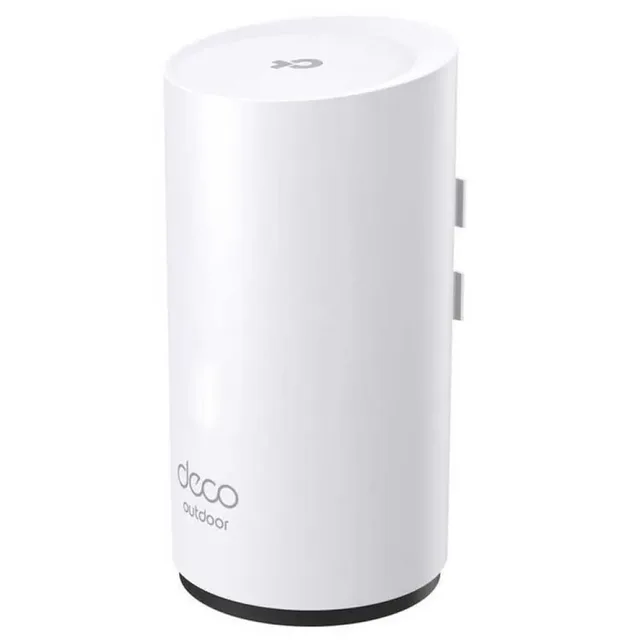
If you already have a mesh system, see whether your brand makes an outdoor unit. It becomes an extra node in the same network, with the same wifi name. TP-Link has the Deco X50-Outdoor and the Deco BE25-Outdoor. For the BE25-Outdoor, TP-Link gives IP65, power through PoE+ (802.3at) or a normal plug, pole, wall or table mounting, and two 2.5 Gbit/s ports. ASUS has the ZenWiFi BD4 Outdoor for its ZenWiFi systems.
An outdoor unit from a different brand than your mesh usually won't form a seamless network with your existing nodes. So pick an outdoor unit that matches your system. The difference between mesh, repeaters and access points is in the guide Repeater, mesh or access point.
Outdoor mesh units and outdoor repeaters
- TP-Link
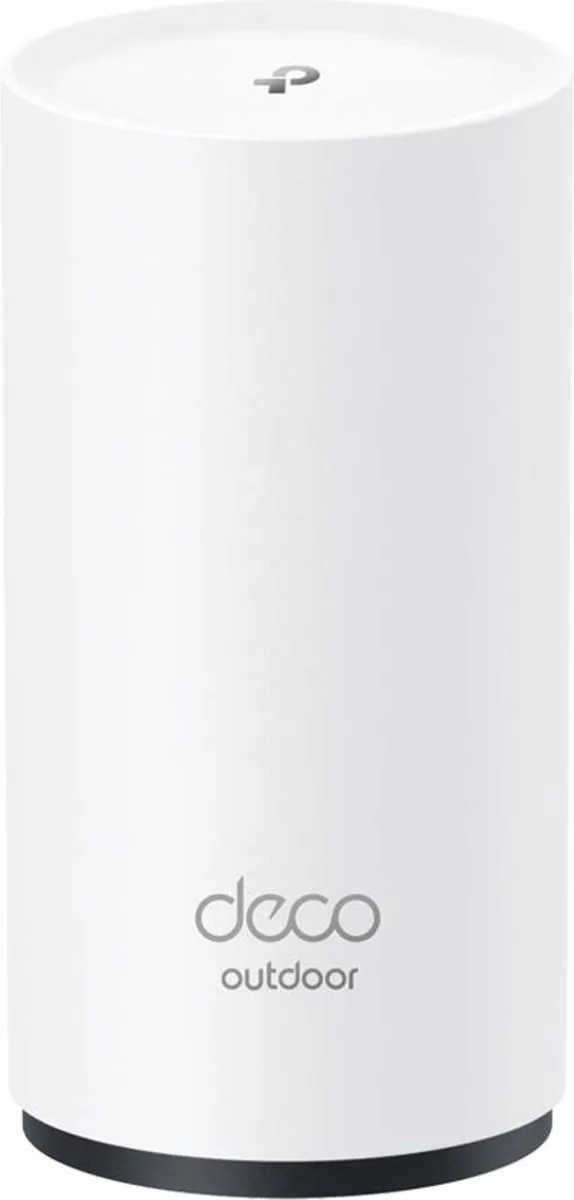
Deco X50-Outdoor Mesh WiFi, WiFi extender, WiFi 6, PoE, expansion
Wi-Fi 63,000 Mbps1 piecesFrom €98 · at 5 shops
Lowest in 24 days
- TP-Link
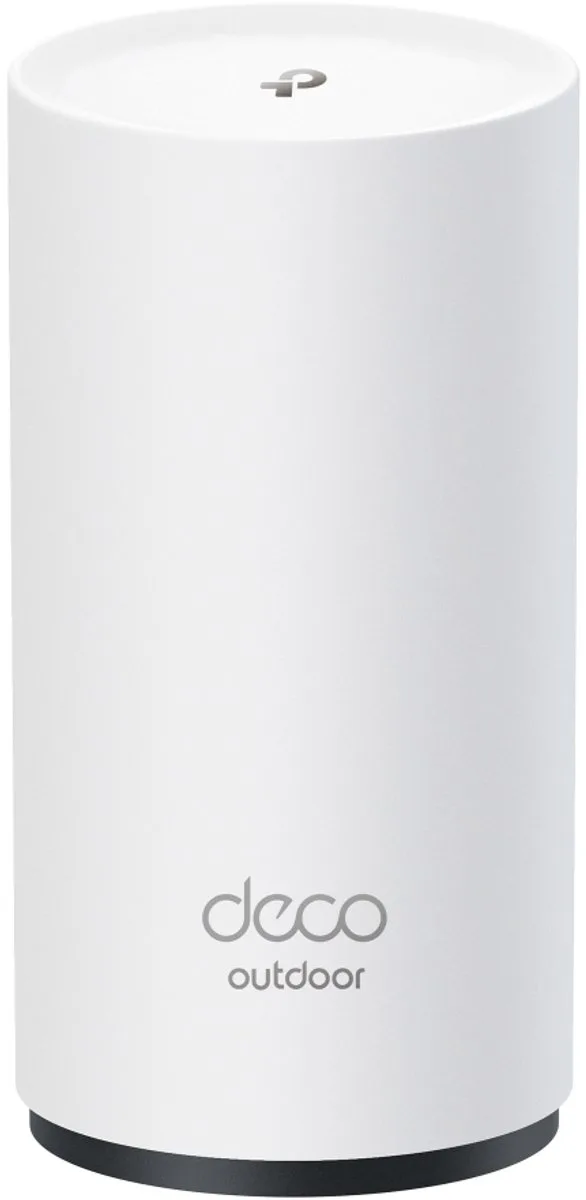
Deco BE25-Outdoor Mesh WiFi, WiFi extender, WiFi 7, outdoor, IP65, PoE, expansion
Wi-Fi 71 piecesFrom €127 · at 4 shops
- ASUS
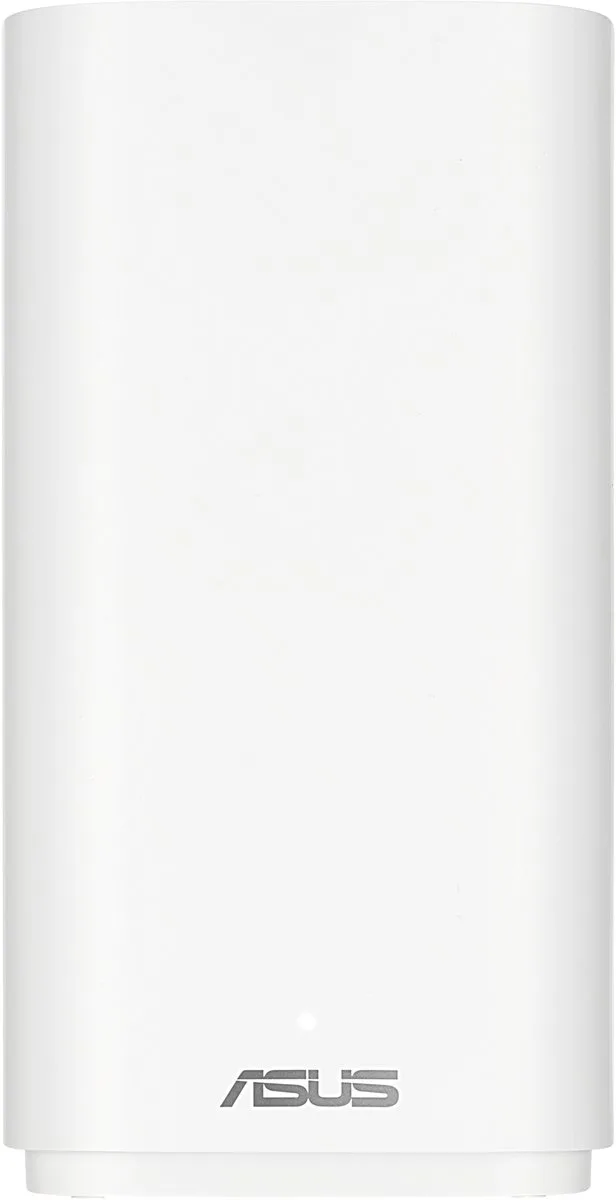
ZenWiFi BD4 Outdoor
Mesh WiFi · WiFi Versterker · Dual-bandWi-Fi 73,600 Mbps1 piecesFrom €139 · at 3 shops
- AVM
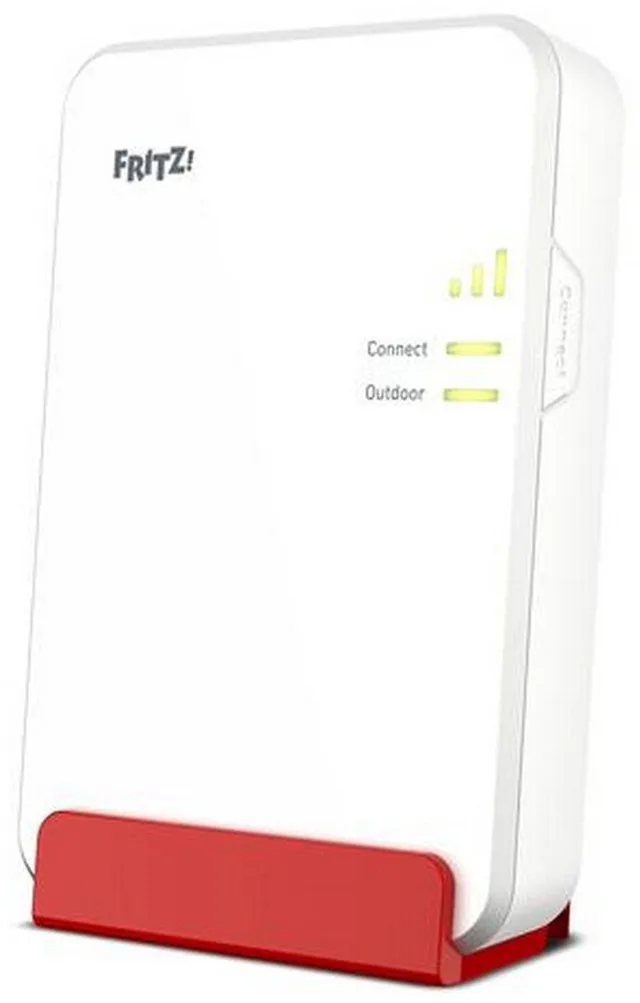
FRITZ!Repeater 1610
WiFi Versterker · WiFi RepeaterWi-Fi 63,000 Mbps€153 · at 1 shop
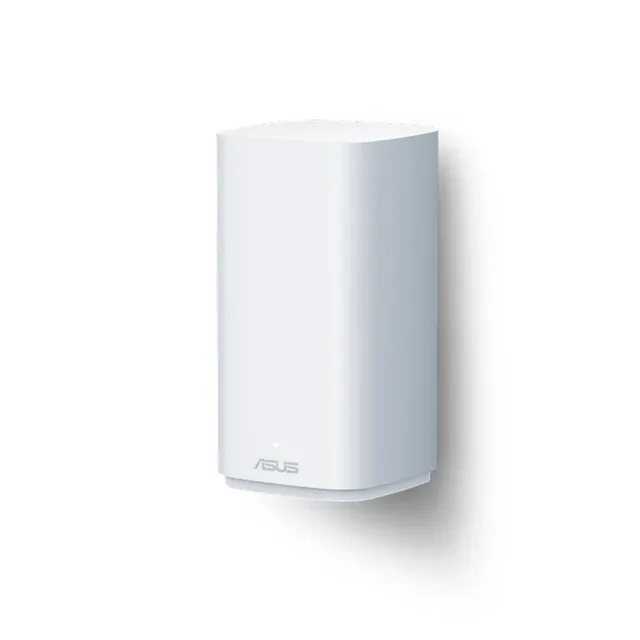
Outdoor repeater: a flat cable through the window
AVM makes the FRITZ!Repeater 1610 Outdoor, with Wi-Fi 6 and an IP54 housing against splashing water and dust. According to AVM it works outdoors as a LAN bridge: it needs a network connection to the router and gets its power over PoE+. AVM includes a PoE+ adapter and a flat network cable that fits through many windows, so you don't have to drill through the wall. AVM calls the housing suitable for sheltered spots outside, such as under a canopy.
Outdoor access point with PoE: a fixed cable
An access point connects to your router or switch with a network cable and only broadcasts wifi. Because there is no wireless link back inside, it loses no speed to relaying, as a wireless repeater does. Most outdoor access points take their power over the network cable (Power over Ethernet, PoE). You then need one cable outside and a PoE switch or PoE injector indoors.
Examples are the TP-Link Omada EAP610-Outdoor, the TP-Link EAP650-Outdoor, the Ubiquiti UniFi U7 Outdoor and the Cudy AP3000 Outdoor. Omada and UniFi are systems where you manage several access points in one place; that is more technical than a mesh set, but you can expand later. See all access points and network switches.
Outdoor access points with PoE
- TP-Link
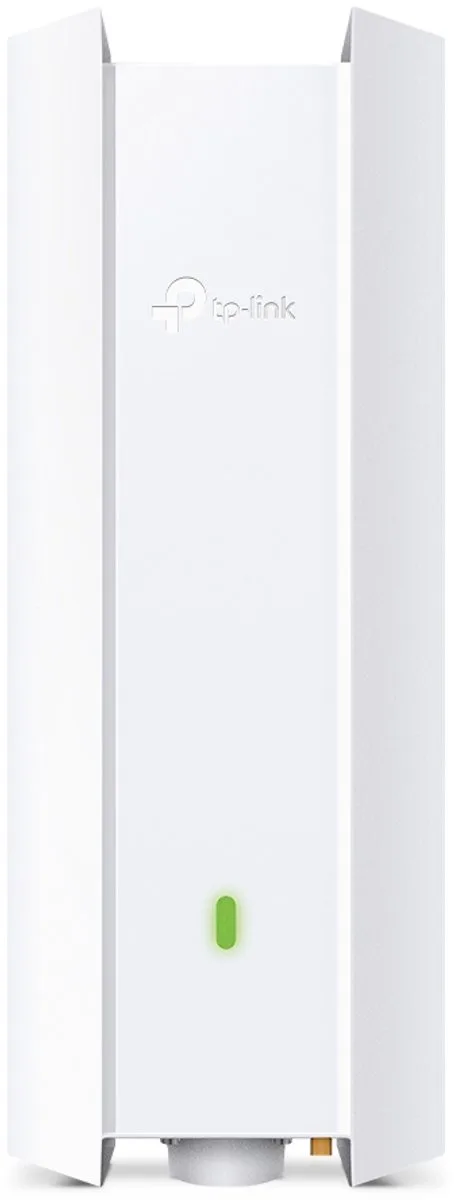
EAP610-Outdoor access point, 1800 Mbps, Wifi 6, PoE
Wi-Fi 61,800 MbpsPoEFrom €154.71 · at 1 shop
Lowest in 23 days
- TP-Link
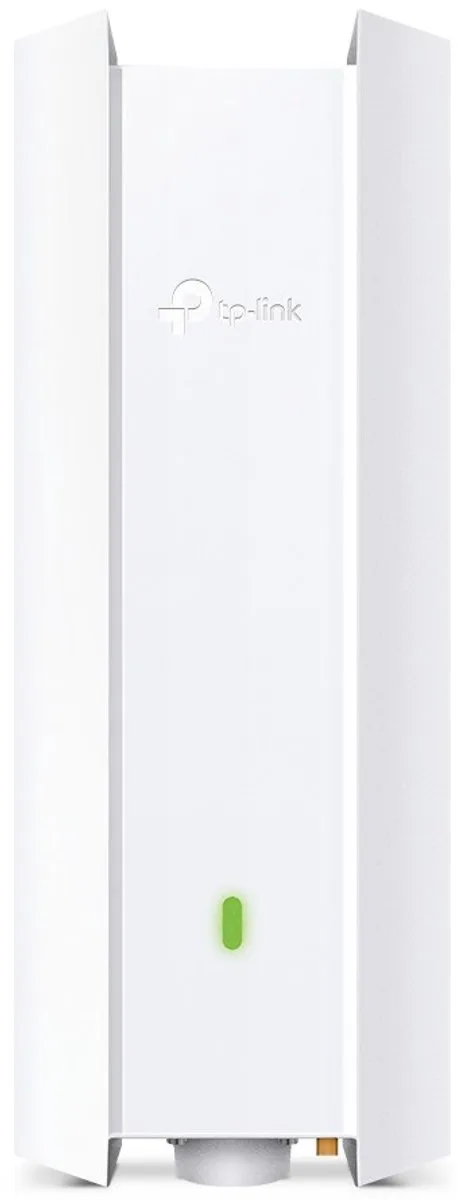
Omada EAP650-Outdoor V1
Draadloze-toegangspuntWi-Fi 6€202.15 · at 1 shop
- Ubiquiti
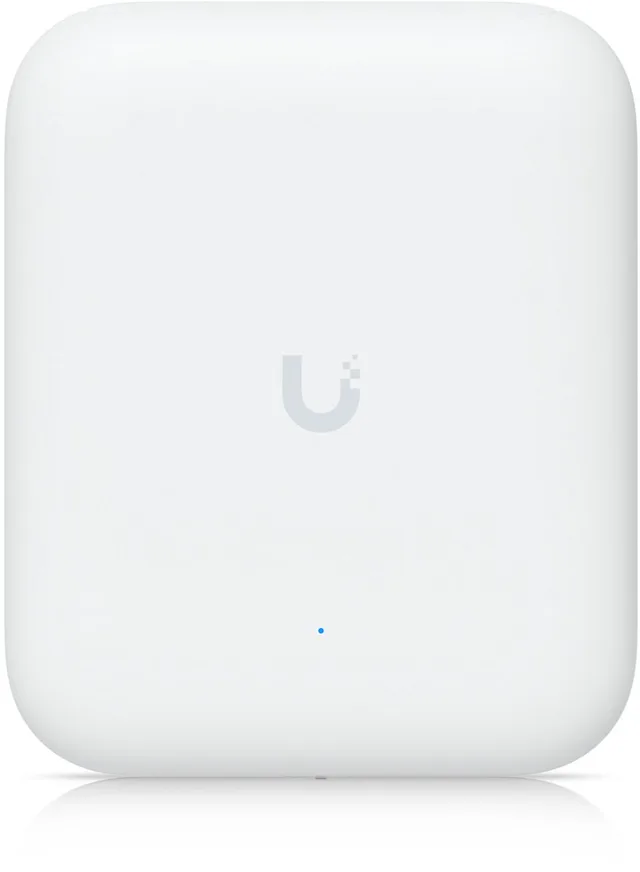
UniFi Access Point U7 Outdoor
Wi-Fi 74,300 MbpsPoEFrom €224.90 · at 5 shops
- Ubiquiti
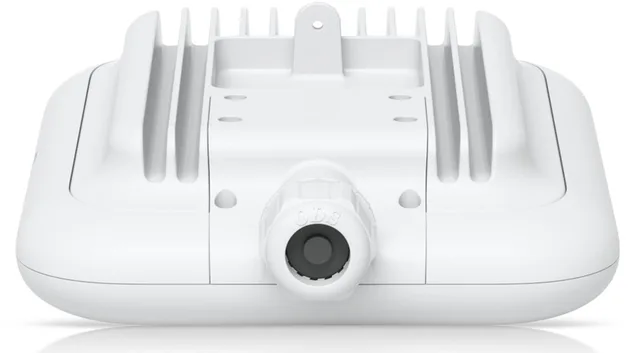
U7 Pro Outdoor
Network AccesspointWi-Fi 710,800 MbpsFrom €289 · at 3 shops
Lowest in 24 days
- Cudy
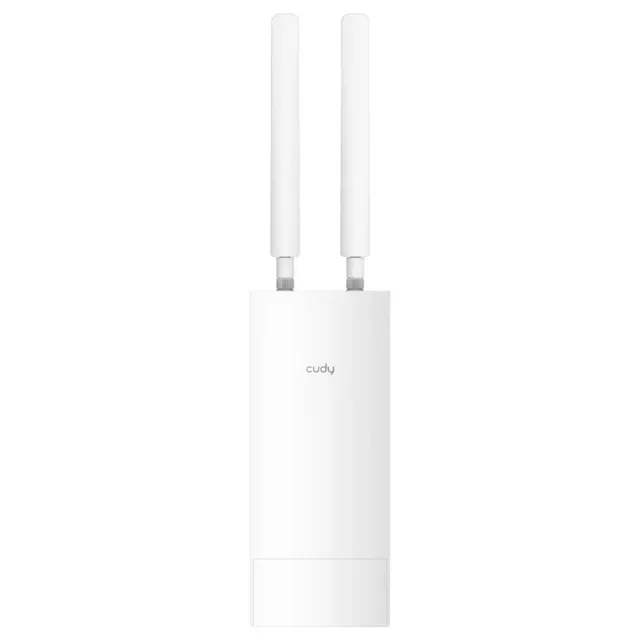
AP3000 OUTDOOR WIRELESS ACCESS POINT CUDY AX3000 OUTDOOR WIFI6 WiFi-accesspoint 3000 MBit/s 5 GHz, 2.4 GHz
Wi-Fi 63,000 MbpsPoEFrom €109.26 · at 2 shops
A cable to the garden
An ordinary network cable is not made for sun and damp. For outside there are cables with an outdoor jacket, such as the Delock Cat.6A S/FTP PE Outdoor and the Digitus outdoor patch cable Cat. 6. A copper network link reaches up to 100 metres under the Ethernet standard. If the point is further away, you need a switch in between or a wireless link. Which cable suits your distance and speed you can see with Which network cable do I need?; all cables are under network cables.
A shed or summer house far away
For a summer house or shed at a good distance there are wireless outdoor links: two directional antennas that see each other and form a network connection. At the shed end you connect an access point or switch. Examples are the Ubiquiti NanoStation M5, the Ubiquiti LiteBeam AC Gen2 and the TP-Link CPE510. The makers state these links need a clear line of sight between the antennas; trees and buildings in between weaken the signal.
Frequently asked questions
Can I hang an ordinary wifi extender outside?
No, use a device the maker builds for outdoor use, with an IP rating against dust and water. An indoor extender behind a window on the garden side can help, though.
What does IP65 mean?
Under the IEC 60529 standard, the 6 means dust tight and the 5 protected against water jets.
Do I need an outdoor socket for an outdoor access point?
Not if the access point uses PoE: it then gets power over the network cable, from a PoE switch or injector indoors.
How do I get wifi in a summer house 100 metres away?
A network cable reaches up to 100 metres under the Ethernet standard. Beyond that you can use a wireless outdoor link with two directional antennas and a clear line of sight between them.
Keep looking
Wifiknight doesn’t test devices itself. This guide sets out what manufacturers state.
Products from this guide
Popular products with a current price at the shops. Compare the prices on the product page.
- TP-Link
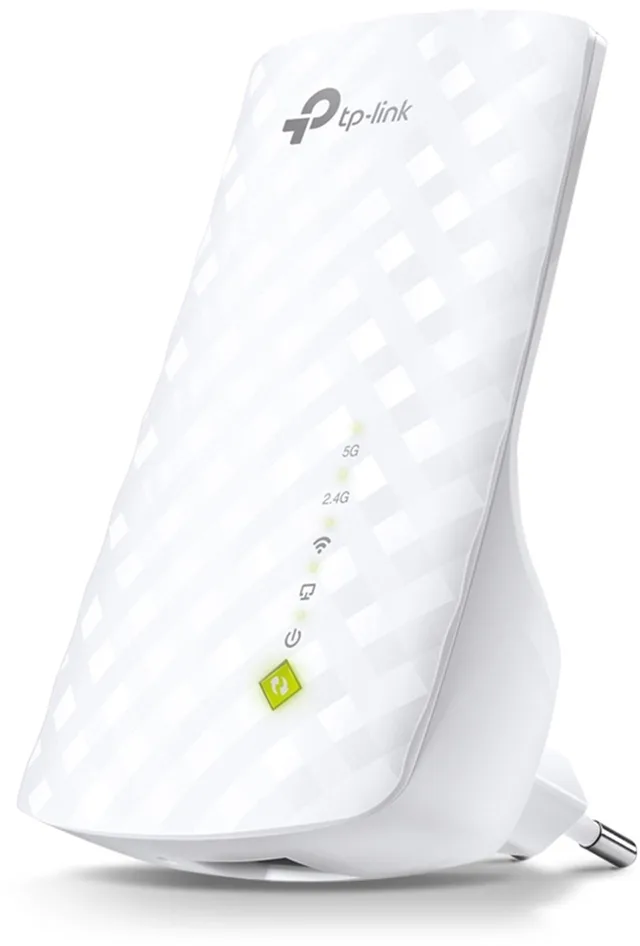
RE200 WiFi repeater, Wi-Fi extender, 750 Mbps
Wi-Fi 5750 MbpsFrom €26.99 · at 3 shops
Lowest in 24 days
- TP-Link
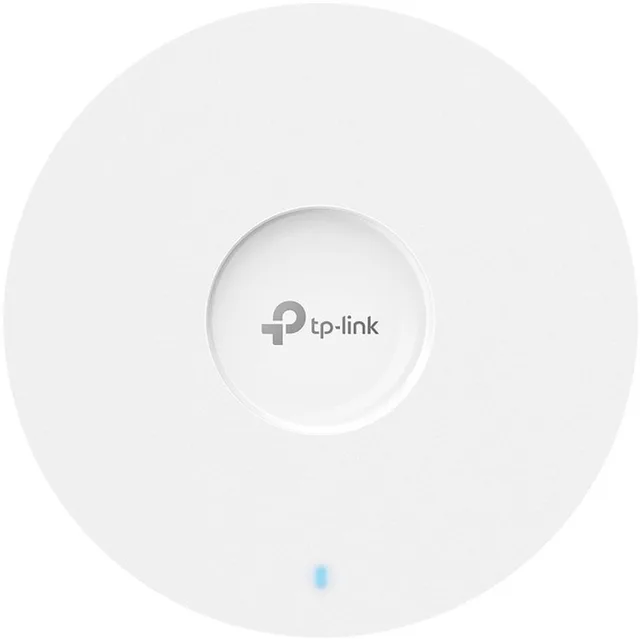
Omada EAP653 access point, AX3000, dual-band
Wi-Fi 63,000 MbpsPoEFrom €94.95 · at 6 shops
- TP-Link
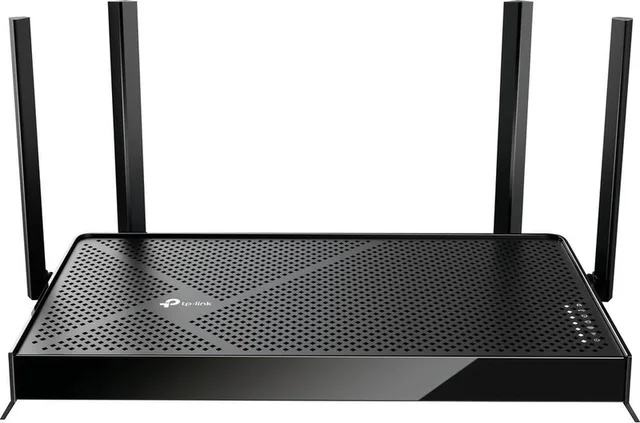
Archer BE230 router, Wi-Fi extender, dual-band, WiFi 7, 3600 Mbps
Wi-Fi 73,600 MbpsFrom €105 · at 3 shops
- TP-Link
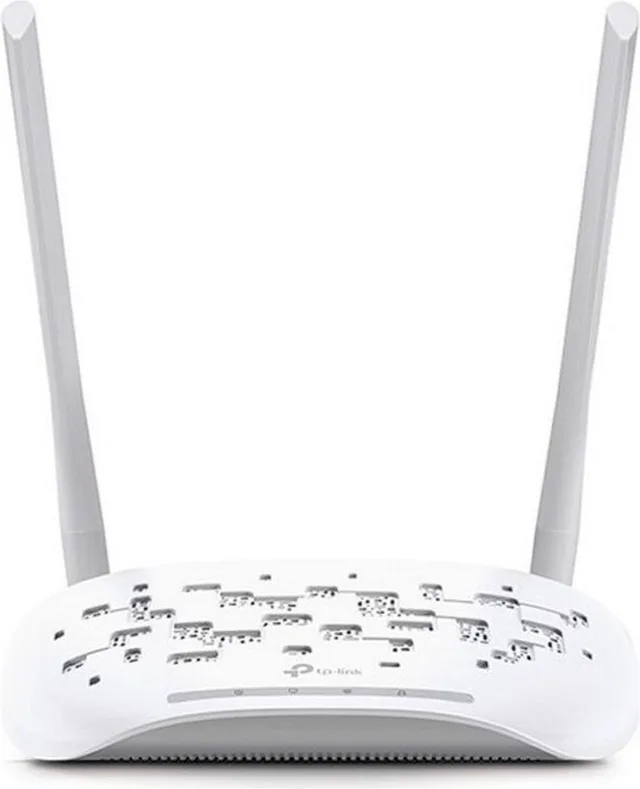
N300 Wifi 300 Mbps Wifi access point
Wi-Fi 4300 MbpsPoEFrom €24.71 · at 5 shops
Lowest in 24 days
- TP-Link
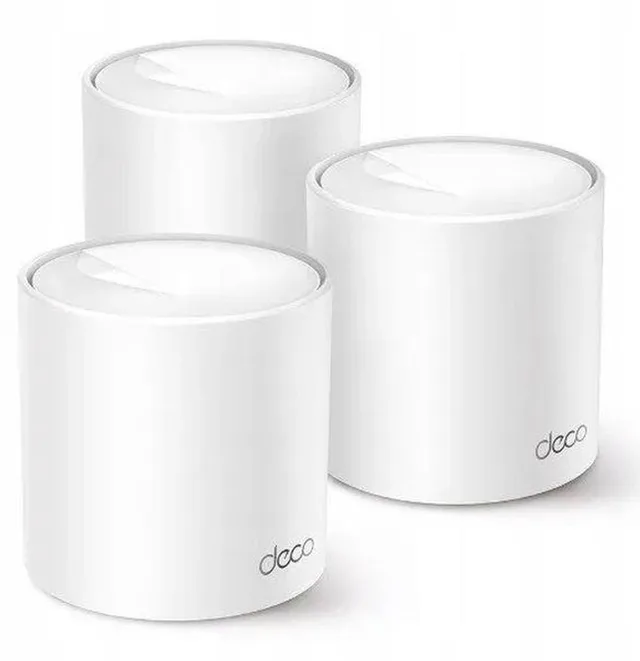
Deco X10 mesh WiFi, Wi-Fi extender, WiFi 6, 1500 Mbps, 3-pack
Wi-Fi 61,500 Mbps3 piecesFrom €150.92 · at 3 shops
More buying guides
- Repeater, mesh or access point: better wifi in a large house A wifi repeater is the cheapest fix, but a device on a repeater is slower than one on the router. This guide compares repeaters, mesh systems and access points, and shows what to pick for a large house, with or without network cable. Read the guide
- A wifi extender with a KPN, Ziggo or Odido modem: what works together? A wifi extender from another brand works with nearly any provider modem. Here is how to choose between KPN, Ziggo or Odido's own wifi points, your own extender and your own mesh system. Read the guide
- Powerline or wifi: when do you choose internet over the mains? Powerline carries your network over the electrical wiring. Here is when that works better than wifi, which adapter you need and where to plug it in. Read the guide