Powerline or wifi: when do you choose internet over the mains?
Powerline carries your network over the electrical wiring. Here is when that works better than wifi, which adapter you need and where to plug it in.
Popular picks from this guide
Popular products at today's lowest price. Compare every shop on the product page.
Short answer: Powerline carries your network over the electrical wiring in your home. It is a good choice when you can't run a network cable and wifi doesn't get through your walls or floors, for example to an attic, an extension or a garage. The speed depends on your wiring; always plug the adapters straight into a wall socket, not into a power strip.
The details below come from the makers devolo, TP-Link and AVM and from the product names. Wifiknight tests nothing itself; follow your adapters' manual.
How powerline works
A powerline set has at least two adapters. You plug the first into a socket near your router and connect it with a network cable. You plug the second into a socket in the room where you need internet. The network signal travels over the electrical wiring from one adapter to the other. There you connect a device by cable, or the adapter broadcasts wifi itself.
So you don't have to pull a cable through walls or floors. The downside: electrical wiring is not made for network traffic, so the speed depends on the wiring in your home and on what else is on the circuit.
When powerline, when wifi?
Choose wifi (a repeater or mesh system) when the distance is mostly open space with few thick walls or concrete floors in between. A mesh system then gives you one network throughout the house.
Choose powerline when the wifi signal doesn't get through walls or floors well, or when the spot is far from the router: an attic room, an office in the extension, a garage attached to the house. For a device that wants a wired connection, such as a TV, a games console or a desktop PC, an adapter with a network port is also a good fit.
If you can run a network cable, you don't depend on the wiring or on walls and floors. Which network cable do I need? shows which cable you need. What cabling does for a mesh system is in the guide Repeater, mesh or access point.
With or without wifi
There are two kinds of adapter:
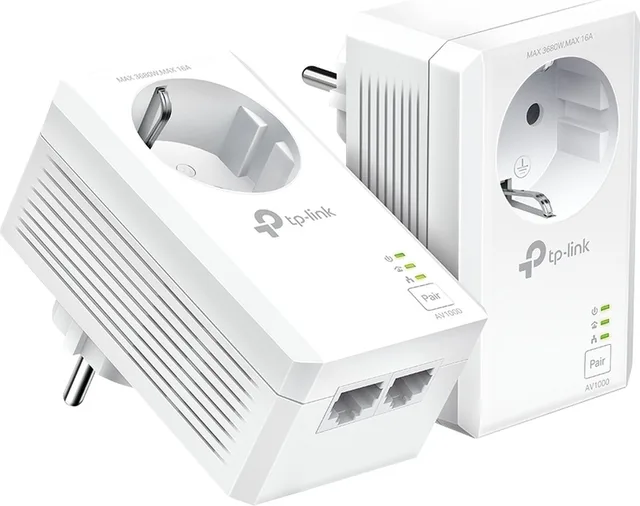
- Network port only (LAN): the adapter has one or more network ports for a cable to your device. Examples are the TP-Link TL-PA7017P KIT, the devolo Magic 2 LAN triple Starter Kit with three ports and the FRITZ!Powerline 1220.
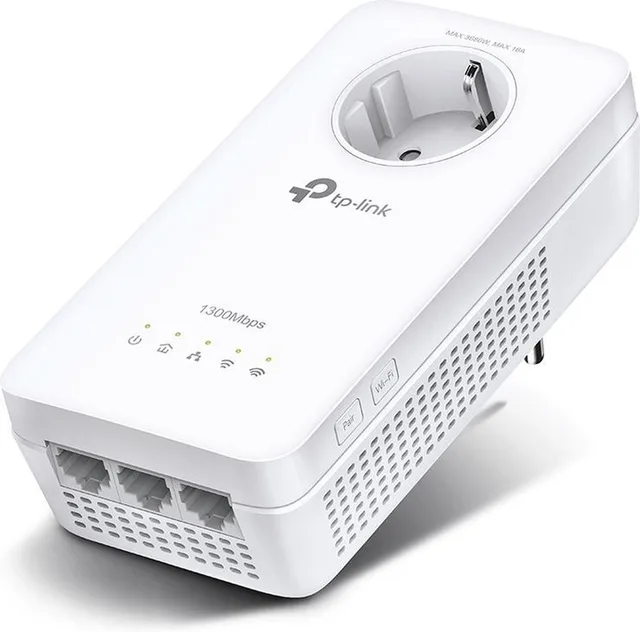
- With wifi: the remote adapter also broadcasts wifi, like the TP-Link TL-WPA7617 KIT, the devolo Magic 2 WiFi 6 next Starter Kit and the FRITZ! 1240 AX WLAN Set. That brings wifi to a spot the router doesn't reach.
There are also mesh systems with powerline built in. The TP-Link Deco PX10 and the Deco P9 combine both: the units link to each other over the wiring and over wifi, and together form one wifi network.
Powerline with and without wifi
- TP-Link
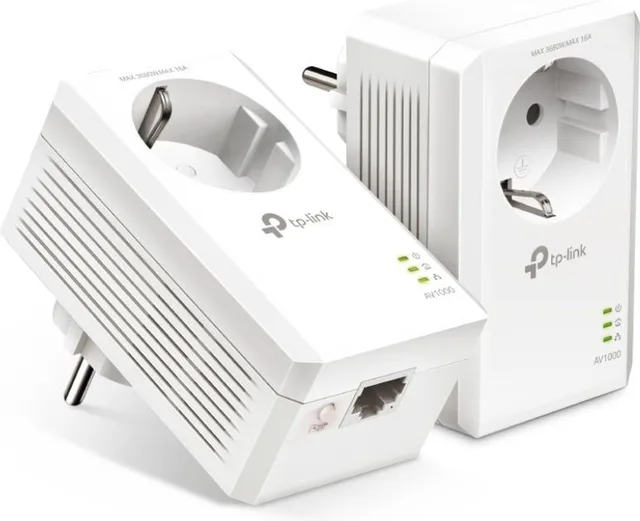
TL-PA7017P KIT
Powerline Adapter · Zonder WiFi1,000 Mbps2 piecesFrom €58 · at 3 shops
- devolo
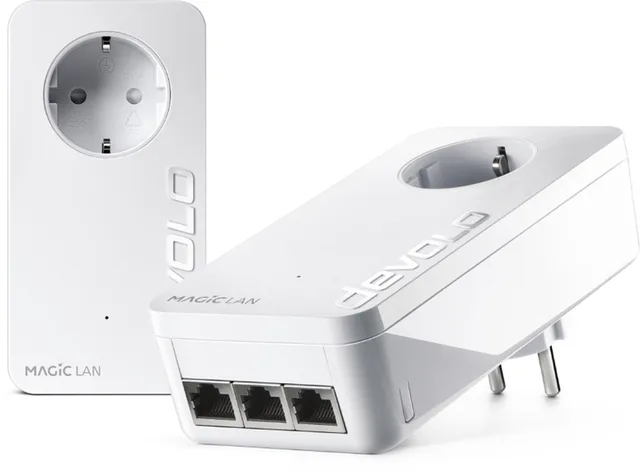
Magic 2 LAN triple Starter Kit
NL€169.90 · at 1 shop
Lowest in 24 days
- AVM
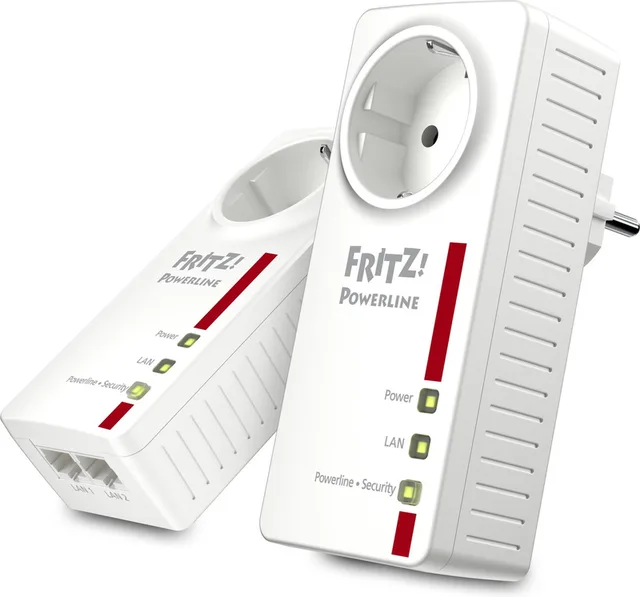
FRITZ!Powerline 1220
Zonder WiFi · 2-Pack1,200 Mbps2 piecesFrom €119 · at 2 shops
Lowest in 24 days
- devolo
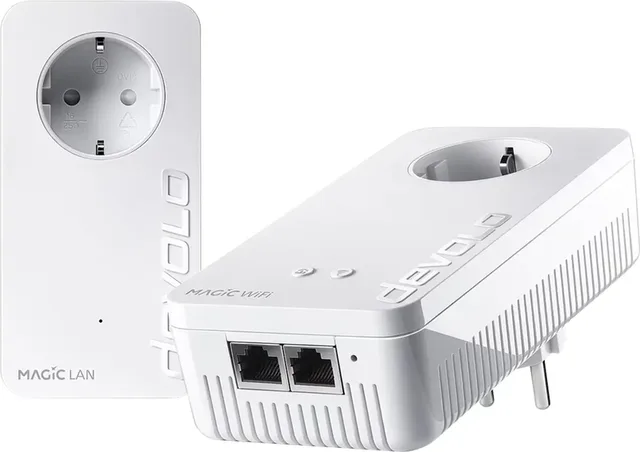
Magic 2 WiFi 6 next Powerline starterkit 07188 Powerline, WiFi 2400 MBit/s
Wi-Fi 62,400 MbpsFrom €214.99 · at 2 shops
Lowest in 20 days
- AVM
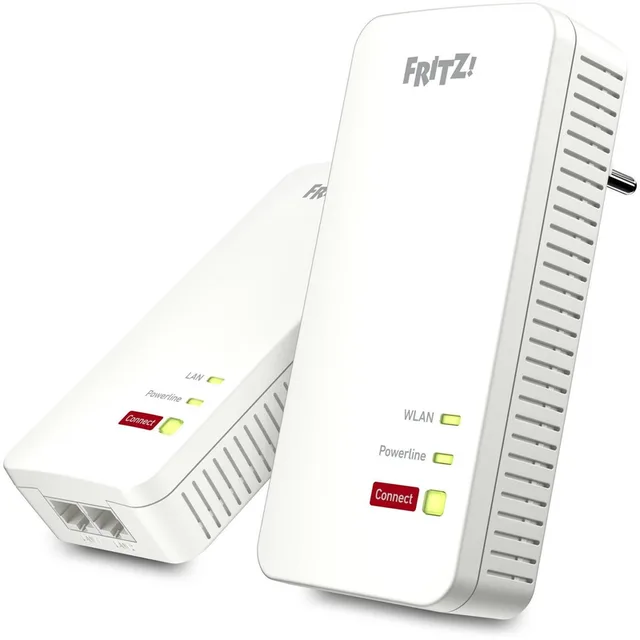
FRITZ! 1240 AX WLAN Set
Powerline adapter · Gigabit-LANWi-Fi 62From €139 · at 4 shops
Lowest in 24 days
- TP-Link
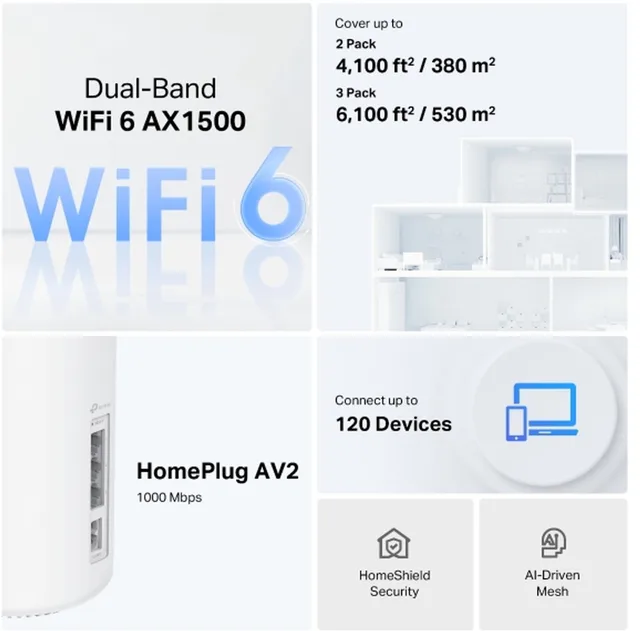
Deco PX10 Powerline Mesh WIFI
AX1500 · AC2 1000Mbps · 2PackWi-Fi 61,500 Mbps2 piecesFrom €199 · at 2 shops
Lowest in 24 days
Power strip or wall socket
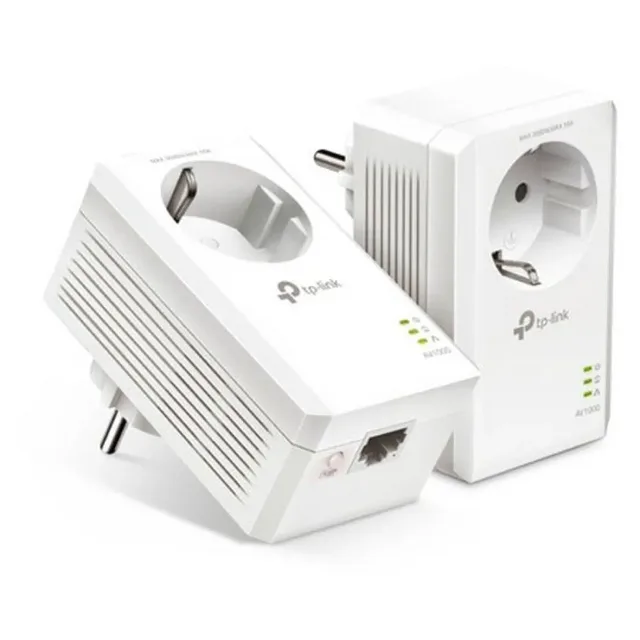
All three makers say much the same: plug the adapter into a wall socket. TP-Link writes that power strips can filter high-frequency signals and so lower the speed. devolo writes that a switch or surge protection in a power strip can cost performance. devolo's advice is to use an adapter with its own socket and plug the power strip into that. AVM's manual says not to plug the adapter into an extension cord or power strip if at all possible, but straight into a wall socket.
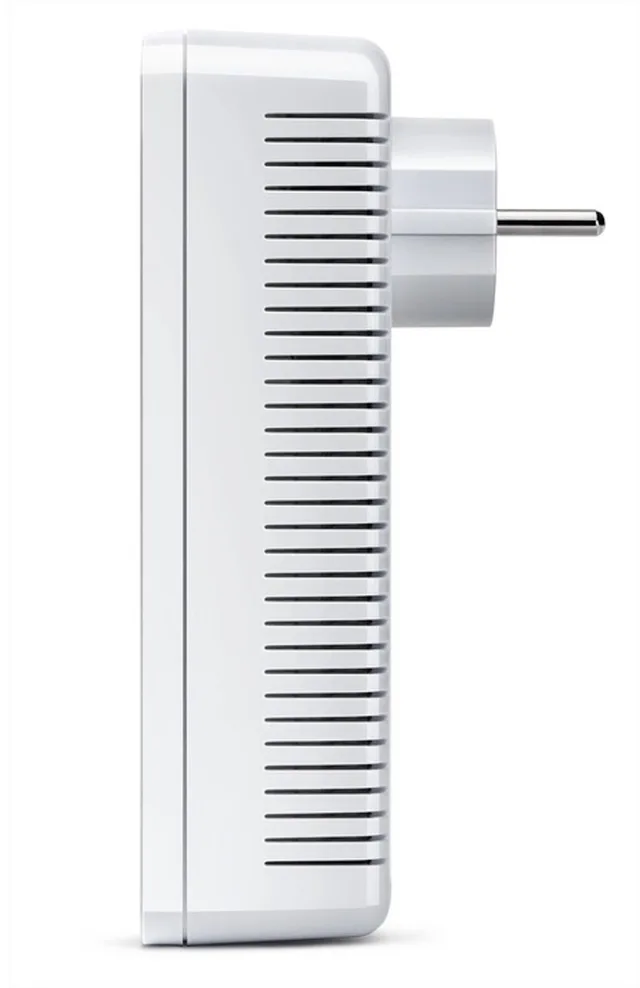
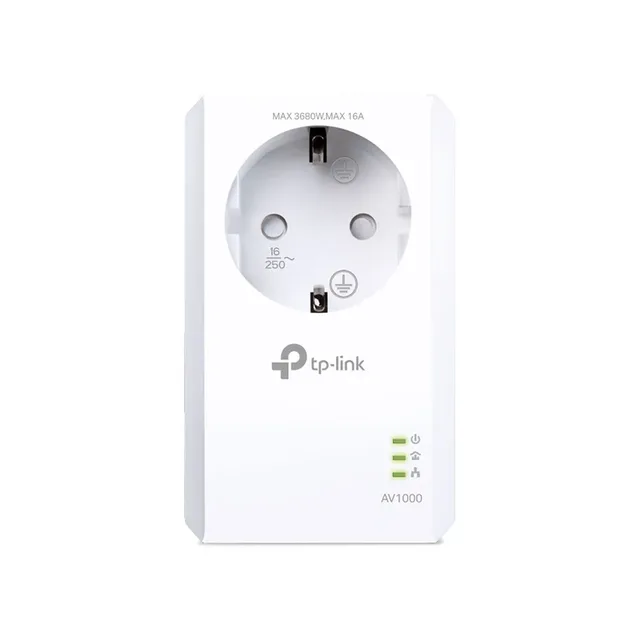
That is why many adapters have a pass-through socket, shown by a P in the model name at TP-Link, such as the TL-PA7017P and the TL-PA4010P. Then you don't lose a socket.
Expanding and different circuits
A set starts with a starter kit of two adapters. Later you can add single adapters, often sold as an "extension", such as the devolo Magic 2 LAN triple extension or the FRITZ! 1220E extension. Choose an extension from the same series as your starter kit; adapters of different generations or brands don't always work together. Your set's manual says which adapters fit.
On circuits in the fuse box, devolo says its products also work across different circuits and phases without extra measures. Here too, the wiring decides the speed.
NL or BE: mind the plug
Many adapters come in a Dutch and a Belgian version, and the name says which, such as the devolo Magic 1 LAN extension BE next to the NL models. The Netherlands uses sockets with side earth contacts, Belgium sockets with an earth pin. Because the adapter goes straight into the wall, choose the version for your country. All sets are under powerline adapters.
Extensions and pass-through sockets
- TP-Link
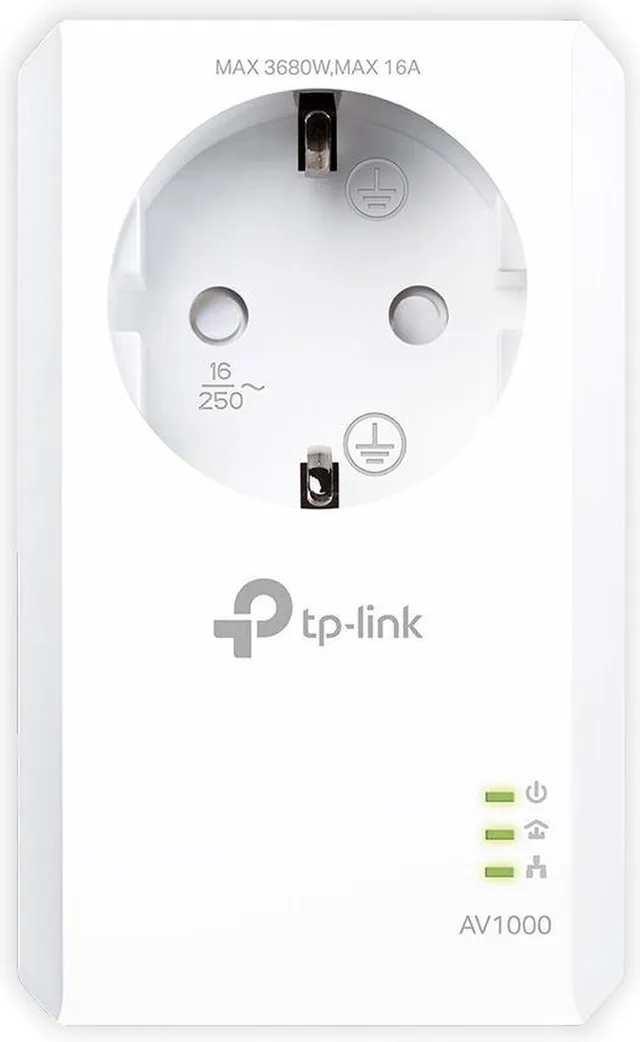
TL-PA7017P expansion
1,000 Mbps1 piecesFrom €40.90 · at 3 shops
Lowest in 23 days
- devolo
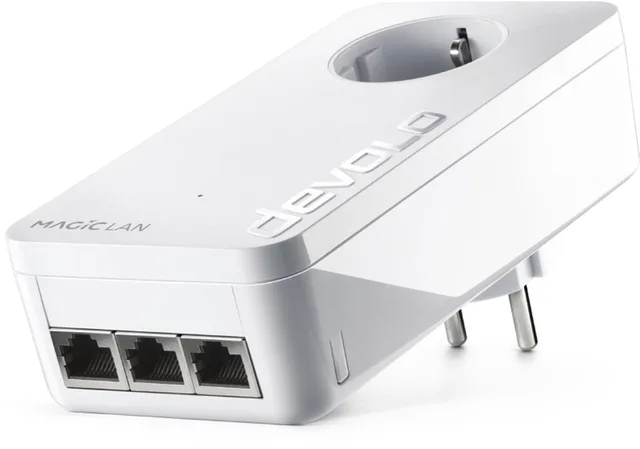
Magic 2 LAN triple
NL · Uitbreiding€77 · at 1 shop
Lowest in 24 days
- AVM
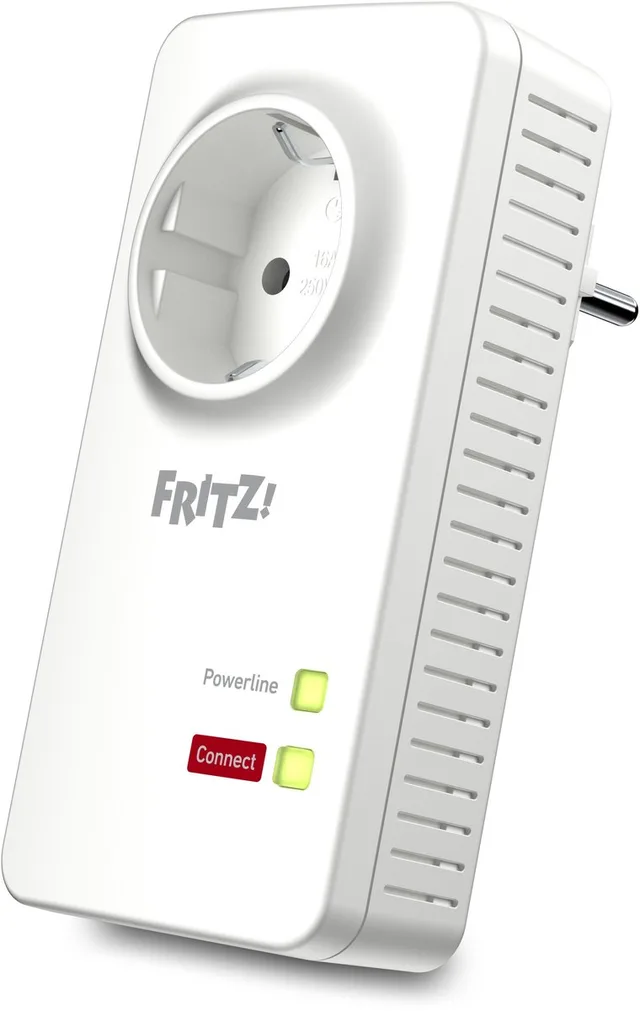
FRITZ! 1220E, powerline adapter, expansion
1,200 Mbps21 piecesFrom €105.94 · at 2 shops
Frequently asked questions
Does powerline work in a power strip?
Preferably not. TP-Link writes that power strips can filter the signal. devolo writes that a switch or surge protection in the strip costs performance; better is an adapter with its own socket in the wall, with the strip plugged into it.
Is powerline faster than wifi?
That depends on your home. Powerline depends on the wiring, wifi on distance, walls and floors. Where wifi can't get through a concrete floor, powerline can be a way round it.
Does powerline work across different circuits in the fuse box?
devolo says its products work across different circuits and phases without extra measures.
Can I mix powerline adapters from different brands?
Not always. Choose extensions from the same series as your starter kit and check the manual for which adapters fit.
Keep looking
Wifiknight doesn’t test devices itself. This guide sets out what manufacturers state.
Products from this guide
Popular products with a current price at the shops. Compare the prices on the product page.
- TP-Link
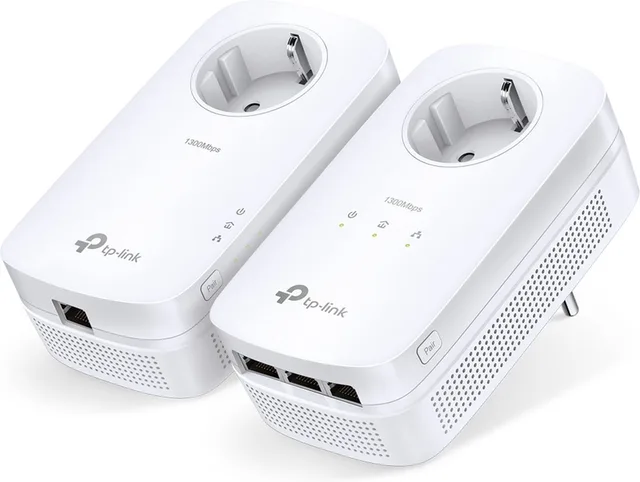
TL-PA8033P KIT
Powerline zonder wifi · 2-pack · NL1,300 Mbps32 piecesFrom €92 · at 4 shops
- TP-Link
TL-PA7017P KIT
Powerline Adapter · Zonder WiFi1,000 Mbps2 piecesFrom €58 · at 3 shops
- TP-Link
TL-PA7017P expansion
1,000 Mbps1 piecesFrom €40.90 · at 3 shops
Lowest in 23 days
- TP-Link
Deco PX10 Powerline Mesh WIFI
AX1500 · AC2 1000Mbps · 2PackWi-Fi 61,500 Mbps2 piecesFrom €199 · at 2 shops
Lowest in 24 days
- TP-Link
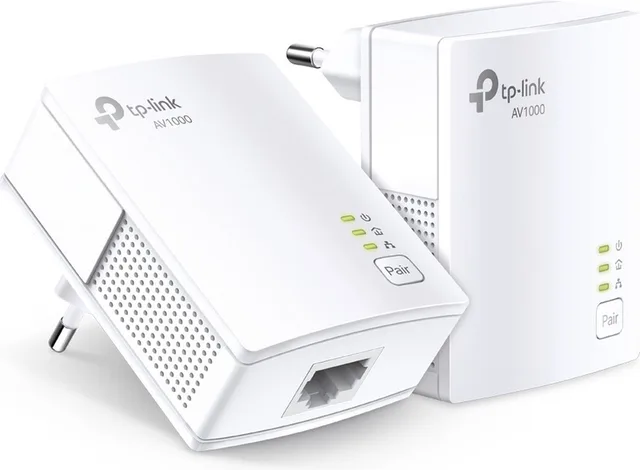
TL-PA7017 KIT powerline adapter, without WiFi, 2 pieces
1,000 Mbps2 piecesFrom €48.99 · at 2 shops
Lowest in 23 days
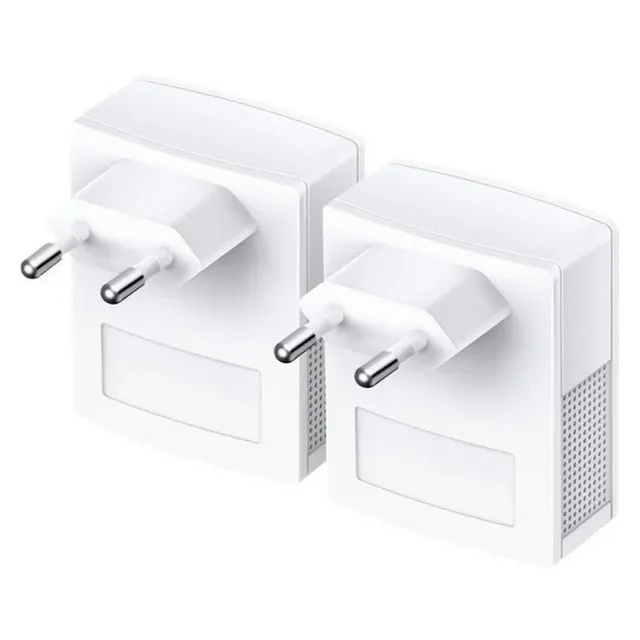
More buying guides
- Repeater, mesh or access point: better wifi in a large house A wifi repeater is the cheapest fix, but a device on a repeater is slower than one on the router. This guide compares repeaters, mesh systems and access points, and shows what to pick for a large house, with or without network cable. Read the guide
- A wifi extender with a KPN, Ziggo or Odido modem: what works together? A wifi extender from another brand works with nearly any provider modem. Here is how to choose between KPN, Ziggo or Odido's own wifi points, your own extender and your own mesh system. Read the guide
- Wifi in the garden: outdoor access point, outdoor mesh or outdoor repeater? Indoor wifi gets through walls and glass poorly. Here is how to choose a device that can hang outside, and how to connect a summer house further down the garden. Read the guide