A wifi extender with a KPN, Ziggo or Odido modem: what works together?
A wifi extender from another brand works with nearly any provider modem. Here is how to choose between KPN, Ziggo or Odido's own wifi points, your own extender and your own mesh system.
Popular picks from this guide
Popular products at today's lowest price. Compare every shop on the product page.
Short answer: An ordinary wifi extender from another brand works with a KPN, Ziggo or Odido modem: it connects to your modem's wifi network, via WPS or an app. If you want one seamless mesh network, you need your provider's own wifi points or your own mesh system behind the modem.
The details below come from the Dutch providers (KPN, Ziggo and Odido), the makers TP-Link and AVM, the Wi-Fi Alliance and the Dutch regulator ACM. Wifiknight tests nothing itself; the modems a provider supplies change over time, so check your provider's own page when in doubt.
Three ways to extend your wifi
With a modem from your provider you have three options:
- Your provider's wifi points. KPN, Ziggo and Odido offer their own extra points for their modems. They form one network with the modem and the provider supports them.
- A separate wifi extender from another brand. It connects to your modem's wifi and passes it on. This works with nearly any modem.
- Your own router or mesh system behind the modem. Your system then takes over the wifi and the provider's modem only handles the internet connection.
Which one fits depends on the size of your home and how much you want to set up. The difference between a repeater, mesh and access points is in the guide Repeater, mesh or access point.
A wifi extender from another brand
TP-Link writes that its range extenders work with any standard wireless router. You pair them by pressing the WPS button on the router and on the extender within about two minutes. TP-Link does warn that some provider modems have WPS switched off by default. Then you switch WPS on in the modem, or pair the extender through its app or web page with the wifi name and password.
AVM has its own instructions for pairing a FRITZ!Repeater with a router from another maker, also via WPS. So its repeaters work with routers of other brands too. Examples in the catalogue are the TP-Link RE605X, the TP-Link RE705X, the FRITZ!Repeater 1200 AX and the Netgear Nighthawk EAX17.
Such an extender is an extra transmitter next to the modem, not part of your provider's mesh system. Place it halfway between the modem and the room with poor wifi, not at the edge of the signal.
Wifi extenders that work with nearly any modem
- TP-Link
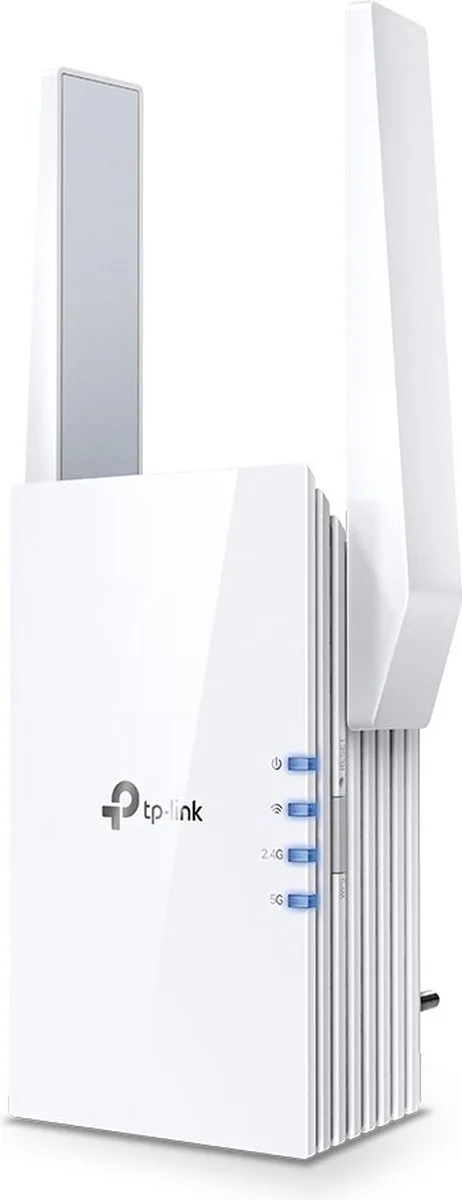
Re605x-ax1800 WiFi repeater
Wi-Fi 61,800 MbpsFrom €78.96 · at 3 shops
- TP-Link
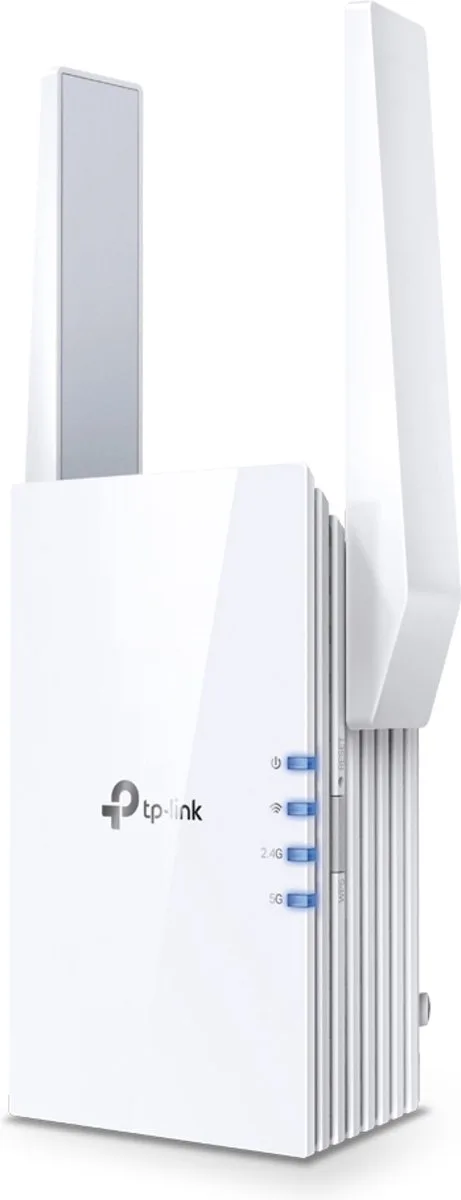
Re705x router
Wi-Fi 63,000 MbpsFrom €79 · at 2 shops
- TP-Link
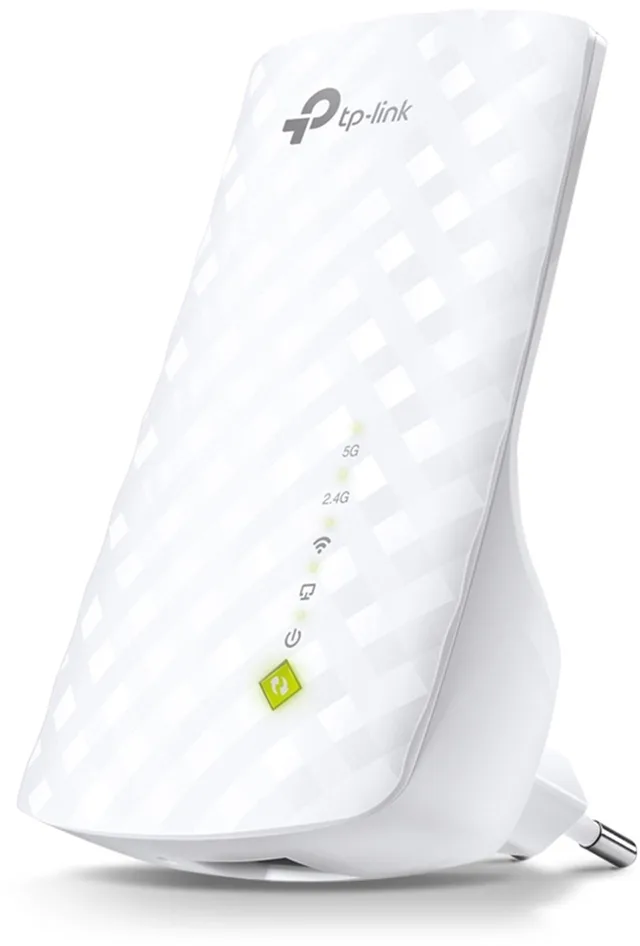
RE200 WiFi repeater, Wi-Fi extender, 750 Mbps
Wi-Fi 5750 MbpsFrom €26.99 · at 3 shops
Lowest in 24 days
- AVM
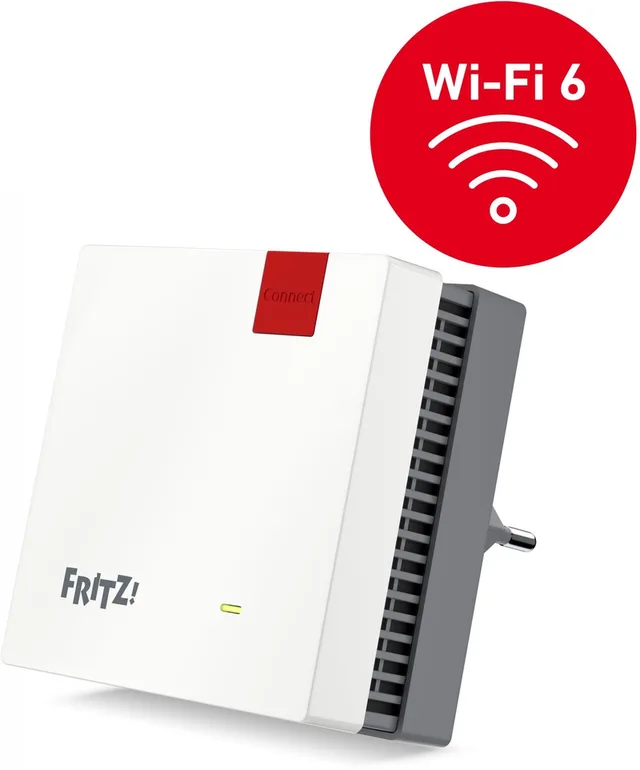
FRITZ!Repeater 1200 AX
Wifi Repeater · WiFi punt · Dual-BandWi-Fi 6From €101.45 · at 2 shops
- AVM
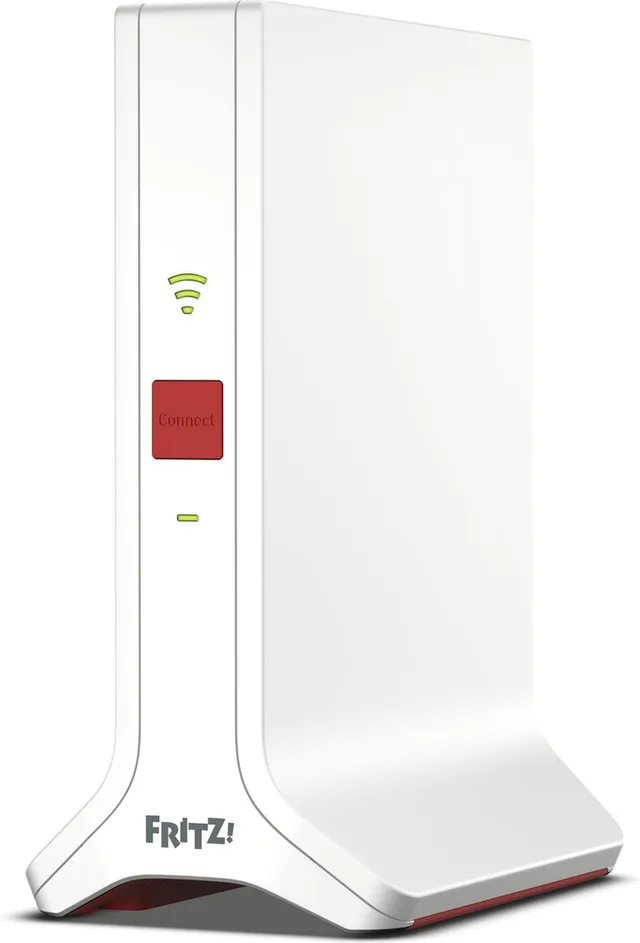
FRITZ!Repeater 3000 AX
Mesh WiFi · WiFi Versterker · Tri-BandWi-Fi 6From €157.50 · at 5 shops
- Netgear
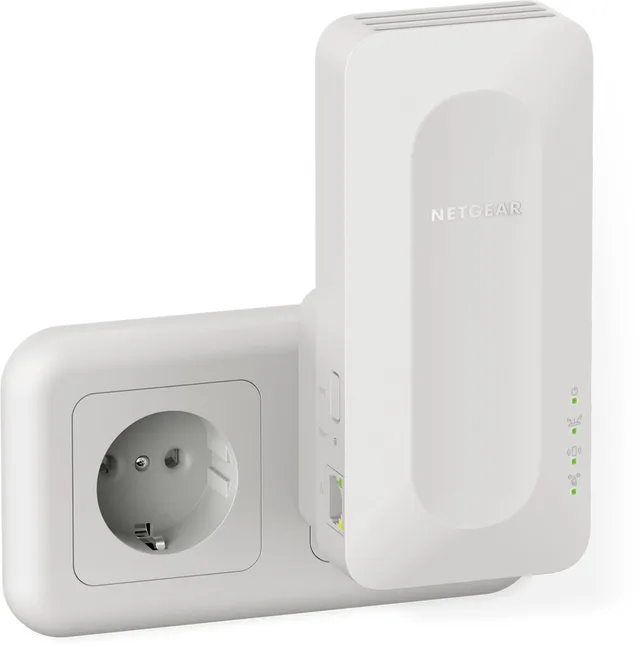
Nighthawk EAX17 Mesh WiFi Repeater, Dual Band, 3000 Mbps, WiFi 6
Wi-Fi 63,000 MbpsFrom €105.48 · at 3 shops
KPN: SuperWifi or your own extender
KPN sells and rents its own SuperWifi points. According to KPN they only work with a KPN modem, and not every generation fits every modem: KPN says SuperWifi 1 and the older Experia Wifi do not work with the Box 14. So first check which KPN Box you have.
If you don't want SuperWifi, a separate extender from another brand works with a KPN Box too, via WPS or the app. KPN also offers free modem choice: you may use your own modem or router. On fibre, KPN says you then need your own fibre box (ONT), and for TV your router must support IGMP.
Ziggo: SmartWifi pods or bridge mode
Ziggo has its own SmartWifi pods for its modem. If you prefer your own router or mesh system, you put the Ziggo modem in bridge mode. According to Ziggo you do this yourself in the Vodafone & Ziggo app under Service, Internet. In bridge mode the modem no longer provides wifi, the SmartWifi pods stop working and three of the four LAN ports stop working: you connect your own router to LAN port 1 or the 2.5 Gbps port. Ziggo says bridge mode is not possible on a fibre modem.
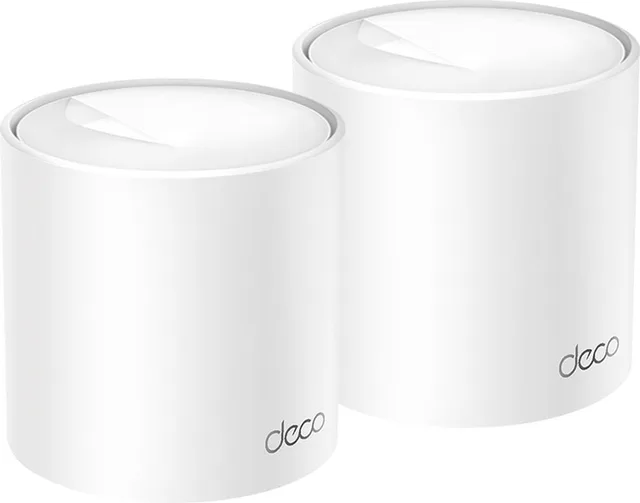
Behind a modem in bridge mode you connect a mesh system such as the TP-Link Deco X50, the FRITZ!Mesh Set 4200 or the ASUS ZenWiFi BD4. That system then handles the wifi throughout the house.
Mesh systems for behind the modem
- TP-Link
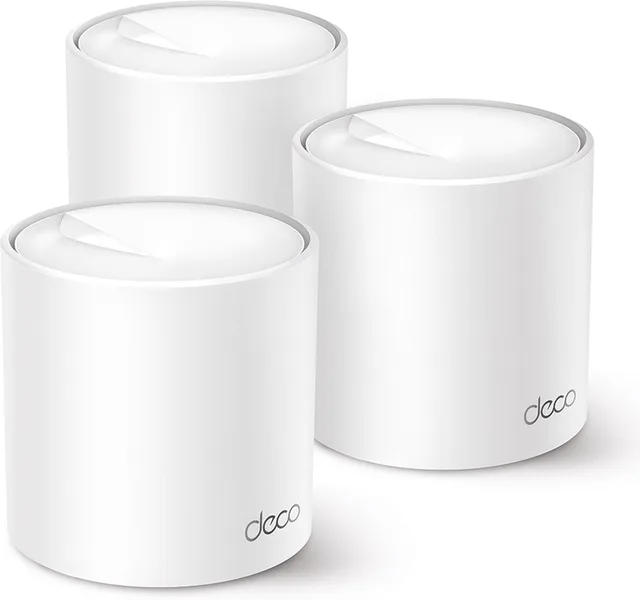
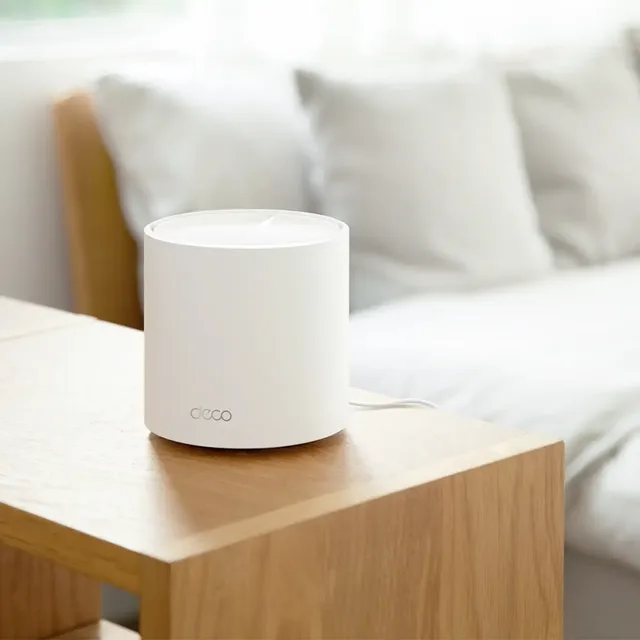
Deco X50 mesh WiFi, Wi-Fi extender, WiFi 6, 3000 Mbps, 3-pack
Wi-Fi 63,000 Mbps3 piecesFrom €199 · at 5 shops
- TP-Link
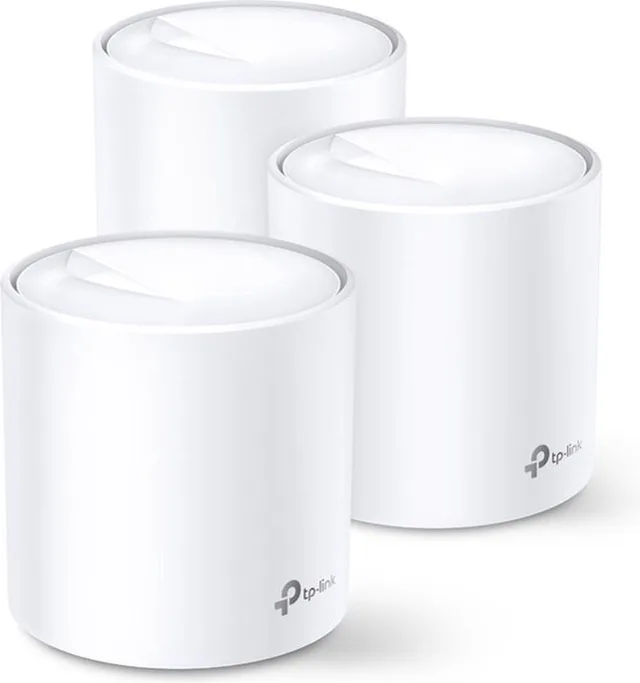
Deco X20
Mesh Wifi · WiFi VersterkerWi-Fi 61,800 Mbps3 piecesFrom €179.99 · at 4 shops
- AVM
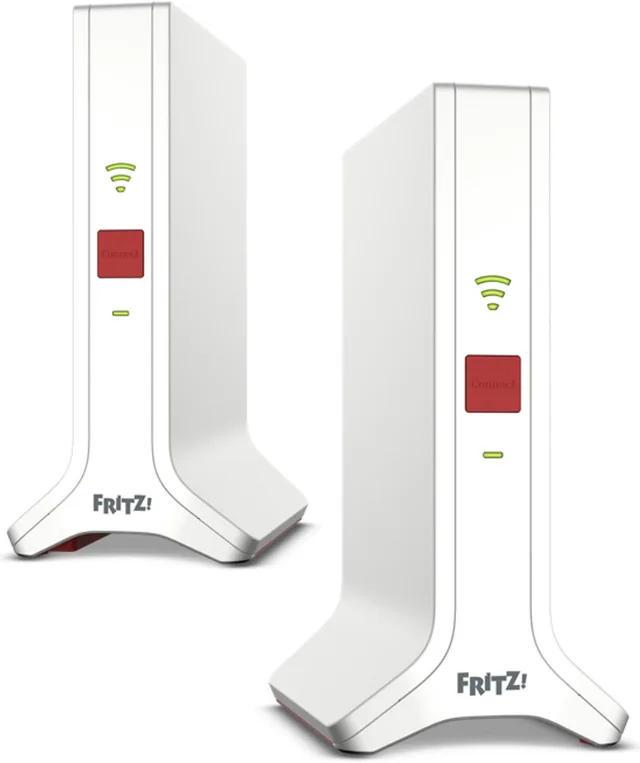
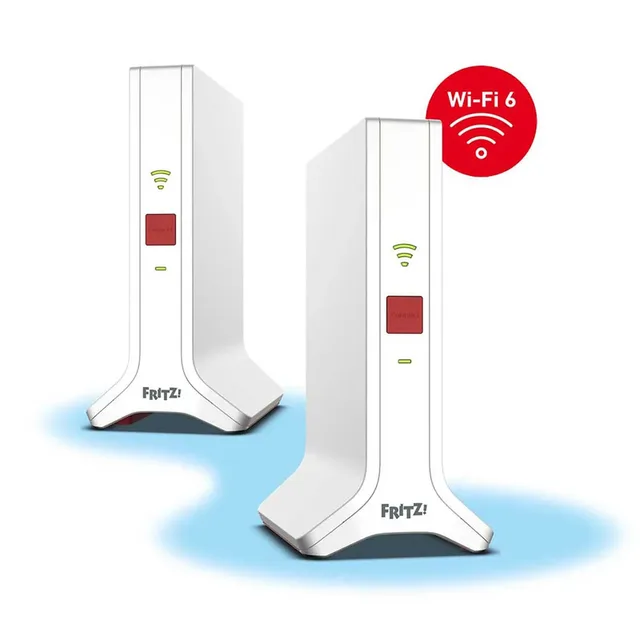
FRITZ!Mesh WiFi Set 4200
Mesh WiFi 6 · WiFi Versterker · 2 PackWi-Fi 64,200 Mbps2 piecesFrom €309 · at 5 shops
- ASUS
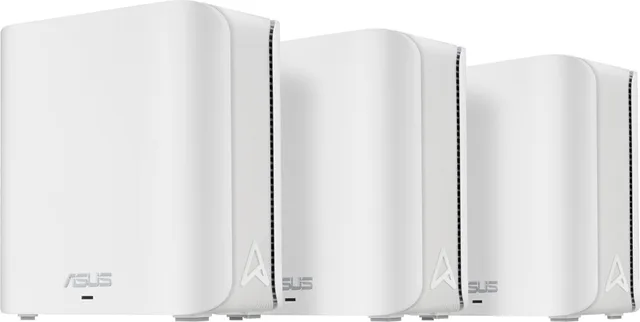
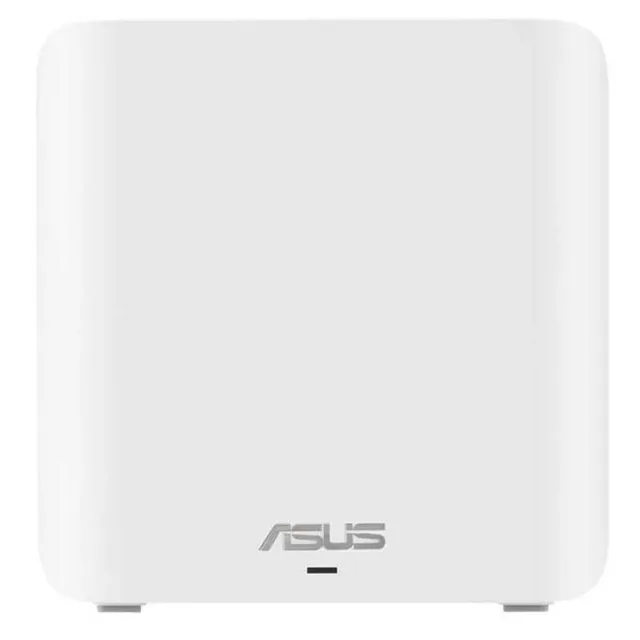
ZenWiFi BD4 Mesh WiFi, WiFi extender, dual-band, Wi-Fi 7, 3600 Mbps, 3-pack
Wi-Fi 73,600 Mbps3 piecesFrom €228 · at 5 shops
- Netgear
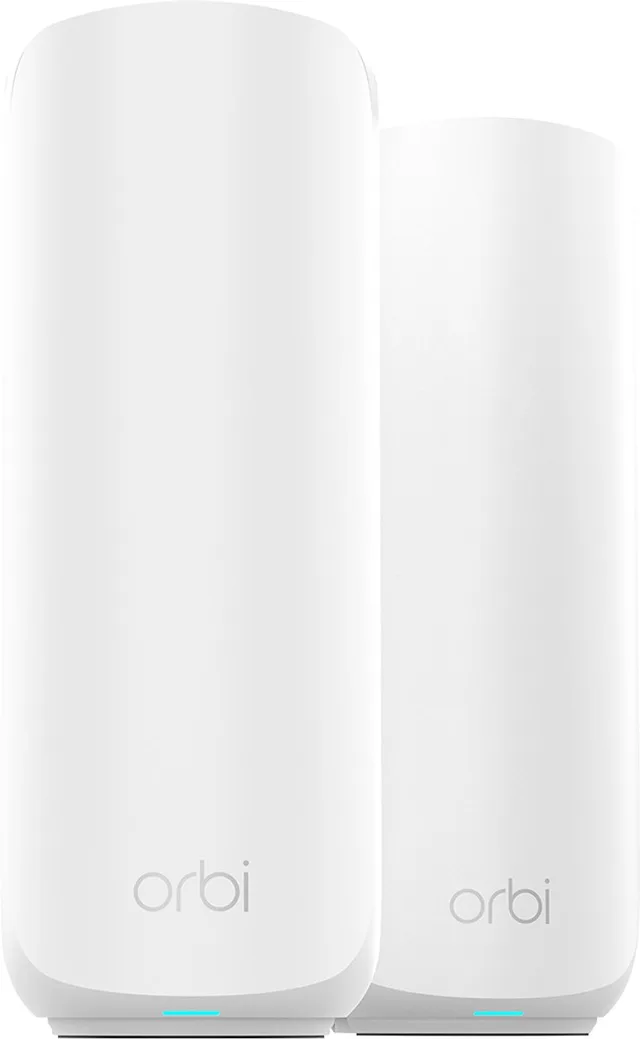
Orbi RBE372 Mesh WiFi, WiFi extender, WiFi 7, 3600 Mbps, dual-band, 2-Pack
Wi-Fi 73,600 Mbps2 piecesFrom €209.90 · at 3 shops
Odido: Wifi Plus or your own modem
Odido offers its own mesh solution, Wifi Plus. On its page about using your own modem, Odido writes that you may use your own modem and install it yourself, and that Odido can't help you install Wifi Plus if you use your own modem. A separate extender from another brand pairs with the modem's wifi here as well.
Your own modem: what the ACM says
According to the ACM, European rules mean customers must be able to choose their own modem or router. In the Netherlands those rules apply since 28 January 2022. So you don't have to use your provider's box. Your own modem must suit your connection: cable, DSL or fibre. The catalogue includes, for example, the FRITZ!Box 6670 Cable for cable and the FRITZ!Box 5530 XGS-PON for fibre. On fibre the modem must also suit the type of fibre network: going by its name, the 5530 XGS-PON is for an XGS-PON connection. Ask your provider which type you have. All modems and routers are under routers.
Mesh across brands: EasyMesh
The Wi-Fi Alliance has EasyMesh: a standard that lets several access points form one network, also from different makers, as long as they are all EasyMesh certified. If EasyMesh is not listed for both your modem and your extender, don't count on them forming one mesh.
Frequently asked questions
Does a TP-Link extender work with a KPN or Ziggo modem?
TP-Link writes that its range extenders work with any standard wireless router, via WPS or the app. If WPS is off on the modem, switch it on or pair with the wifi name and password.
Do KPN SuperWifi points work with my own router?
No. According to KPN, SuperWifi points only work with a KPN modem.
What happens to my SmartWifi pods in bridge mode?
According to Ziggo, the SmartWifi pods stop working in bridge mode, as does the modem's own wifi. Your own router then provides the wifi.
Can I replace my provider's modem?
Yes. According to the ACM you may choose your own modem or router since 28 January 2022. The modem must suit your type of connection.
Keep looking
Wifiknight doesn’t test devices itself. This guide sets out what manufacturers state.
Products from this guide
Popular products with a current price at the shops. Compare the prices on the product page.
- TP-Link
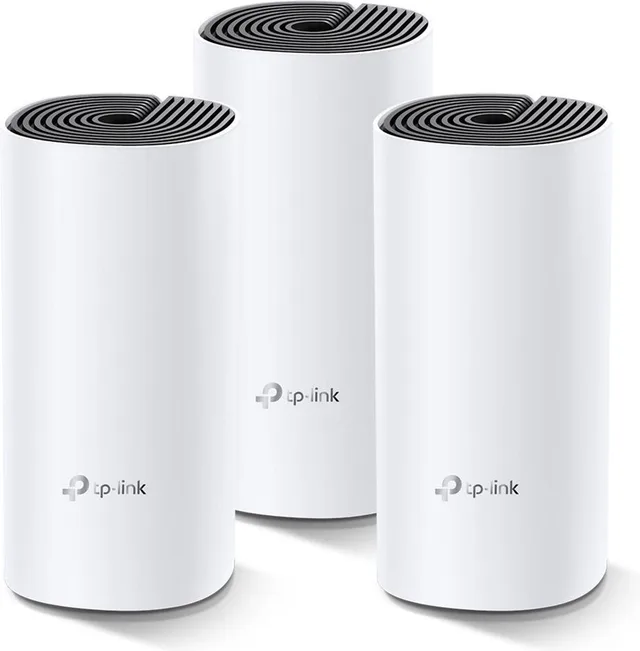
Deco M4
Mesh WiFi · 3-packWi-Fi 51,200 Mbps3 piecesFrom €119 · at 2 shops
- TP-Link
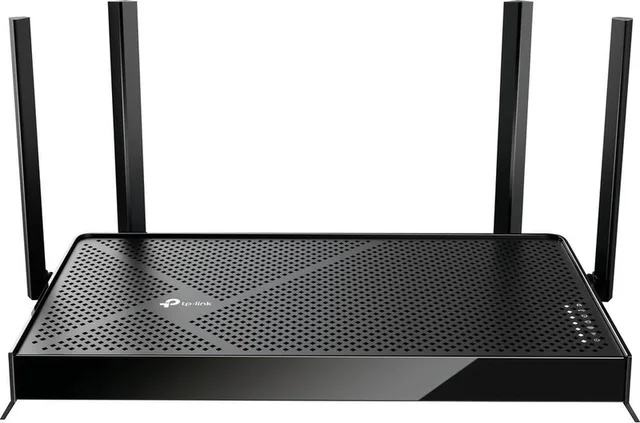
Archer BE230 router, Wi-Fi extender, dual-band, WiFi 7, 3600 Mbps
Wi-Fi 73,600 MbpsFrom €105 · at 3 shops
- TP-Link
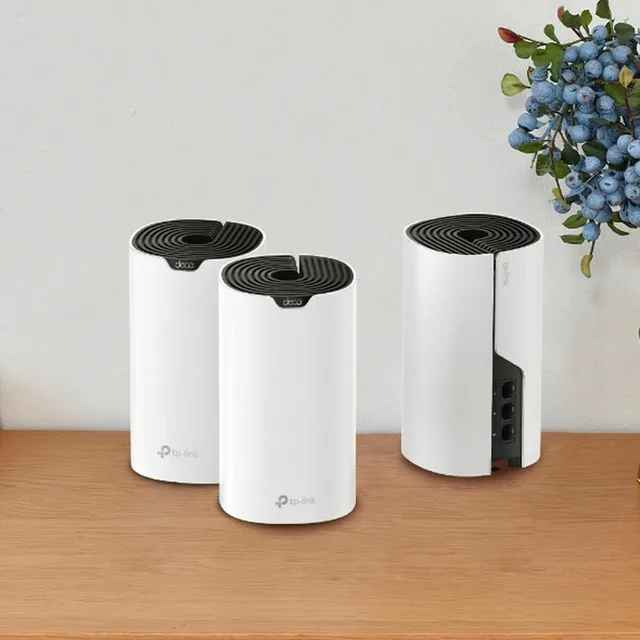
Deco S7
Mesh WiFiWi-Fi 51,900 Mbps3 piecesFrom €157 · at 2 shops
- TP-Link
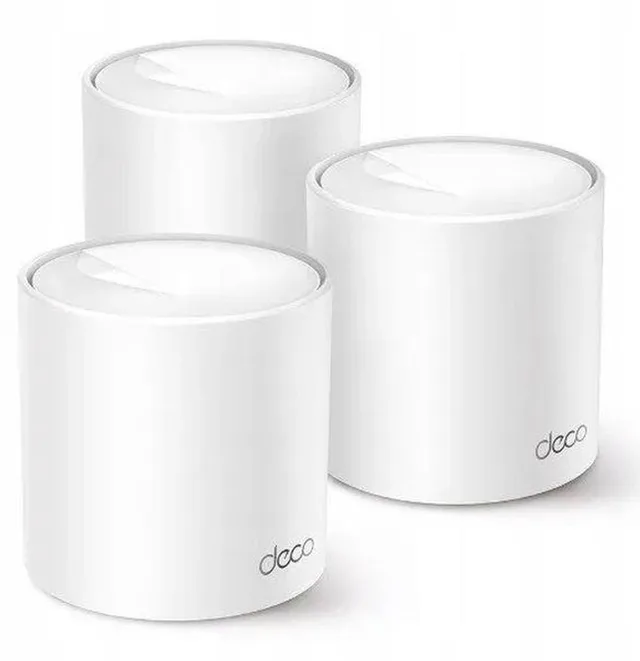
Deco X10 mesh WiFi, Wi-Fi extender, WiFi 6, 1500 Mbps, 3-pack
Wi-Fi 61,500 Mbps3 piecesFrom €150.92 · at 3 shops
- TP-Link
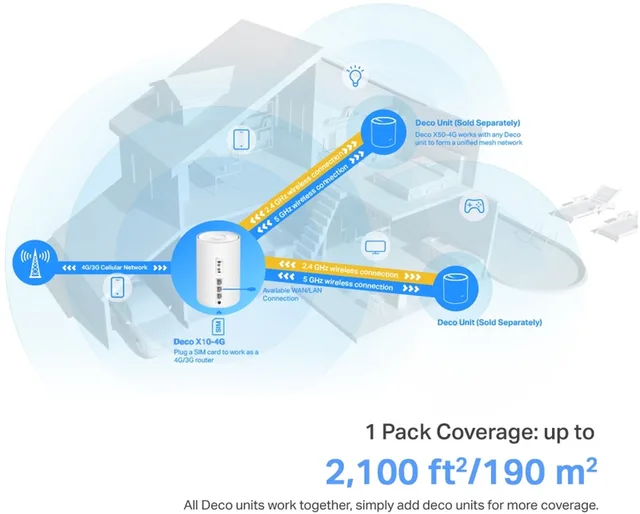
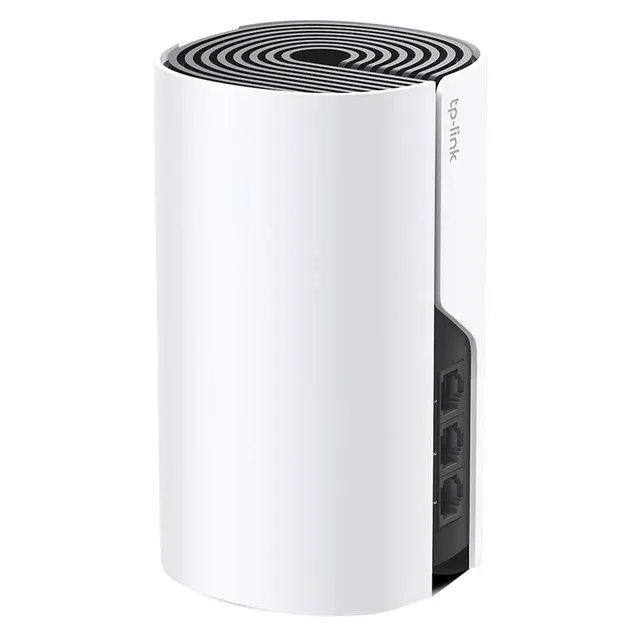
Deco X10-4G Dual-band
Wi-Fi 61,500 Mbps1 piecesFrom €129.99 · at 2 shops
More buying guides
- Repeater, mesh or access point: better wifi in a large house A wifi repeater is the cheapest fix, but a device on a repeater is slower than one on the router. This guide compares repeaters, mesh systems and access points, and shows what to pick for a large house, with or without network cable. Read the guide
- Wifi in the garden: outdoor access point, outdoor mesh or outdoor repeater? Indoor wifi gets through walls and glass poorly. Here is how to choose a device that can hang outside, and how to connect a summer house further down the garden. Read the guide
- Powerline or wifi: when do you choose internet over the mains? Powerline carries your network over the electrical wiring. Here is when that works better than wifi, which adapter you need and where to plug it in. Read the guide