Repeater, mesh or access point: better wifi in a large house
A wifi repeater is the cheapest fix, but a device on a repeater is slower than one on the router. This guide compares repeaters, mesh systems and access points, and shows what to pick for a large house, with or without network cable.
Popular picks from this guide
- Go to Joybuy
-
Zyxel AX6000 Gigabit extender network access point, dual-band wireless WX5600-T0, Wi-Fi extender, WIFI 6, 2-packGo to Bol Marketplace
€129.99 · at 1 shop
-
Ubiquiti UniFi 7 Pro network access point, Wi-Fi extender, tri-band, Wi-Fi 7, PoE+Go to Joybuy
From €197 · at 6 shops
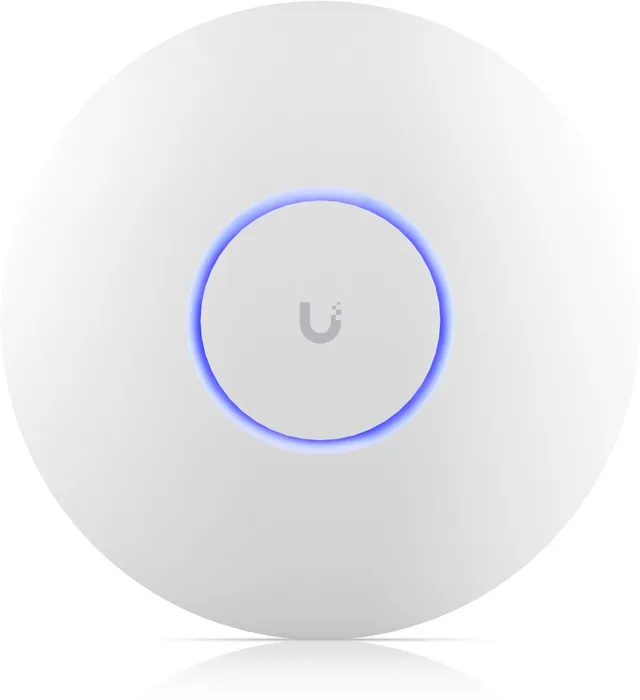
Popular products at today's lowest price. Compare every shop on the product page.
Why a repeater is often the weakest fix
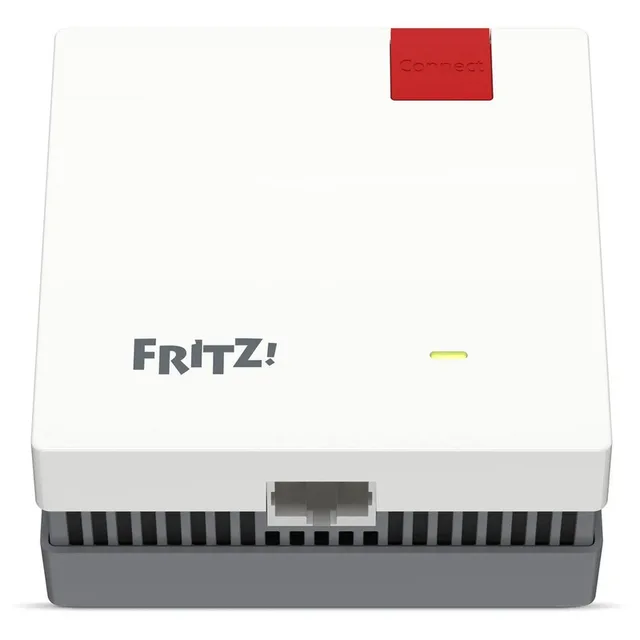
A wifi repeater (also called a range extender or wifi booster) picks up the signal from your router and sends it on. A repeater that does this on the same wifi band has to alternate between receiving and sending. AVM calls this same-band repeating, in which the repeater alternates between sending and receiving data on the same wifi network. A dual-band repeater can instead receive on one band and send on the other. AVM calls this crossband repeating and says it works without speed loss. Even then, TP-Link states that the more wireless hops there are, the slower the connection gets, so a device on a repeater is slower than a device on the router. That is why a repeater helps most when you only need a stable connection for a few devices in a far room, not full speed.
It also matters where you put it. AVM, which makes the FRITZ!Repeater 1200 AX, advises placing a repeater within the router's wifi range, and using a cable (LAN) between the two when the repeater has to stand outside that range. A repeater halfway between your router and the dead spot usually works better than one at the edge of the signal, where it receives a weak signal and passes on a weak signal.
Repeaters and range extenders
- AVM
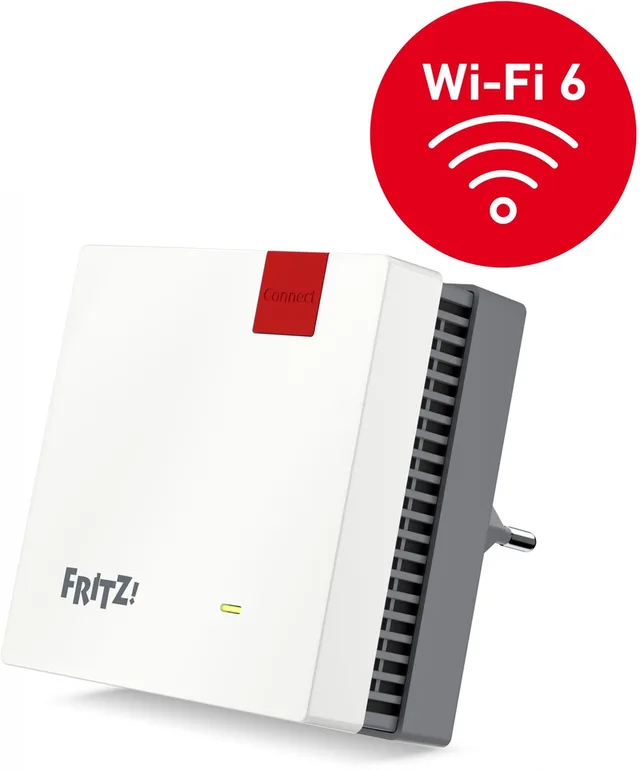
FRITZ!Repeater 1200 AX
Wifi Repeater · WiFi punt · Dual-BandWi-Fi 6From €101.45 · at 2 shops
- Zyxel
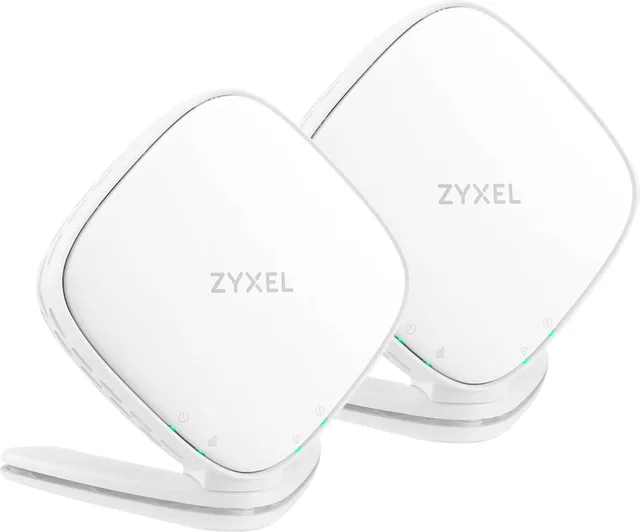
AX6000 Gigabit extender network access point, dual-band wireless WX5600-T0, Wi-Fi extender, WIFI 6, 2-pack
Wi-Fi 66,000 Mbps2 pieces€129.99 · at 1 shop
- Netgear
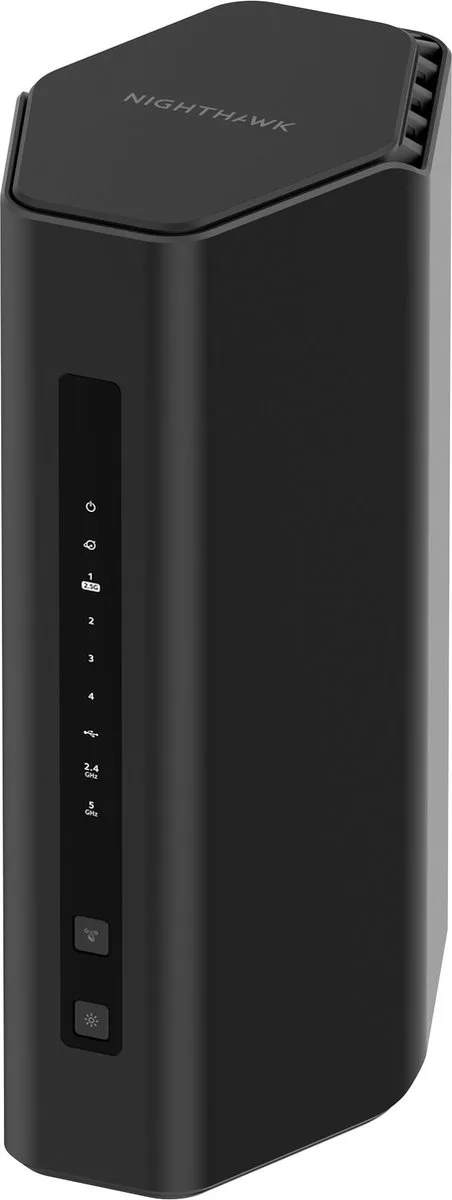
Nighthawk RS200 router, Wi-Fi extender, WiFi 7, 6500 Mbps, dual band
Wi-Fi 76,500 Mbps1 piecesFrom €189.20 · at 5 shops
Mesh wifi: nodes that work as one network
A mesh system is a set of nodes (a "2-pack" or "3-pack") that form one wifi network with one name. Your devices are handed from node to node as you walk through the house. The key difference with a repeater is the link between the nodes, the backhaul.
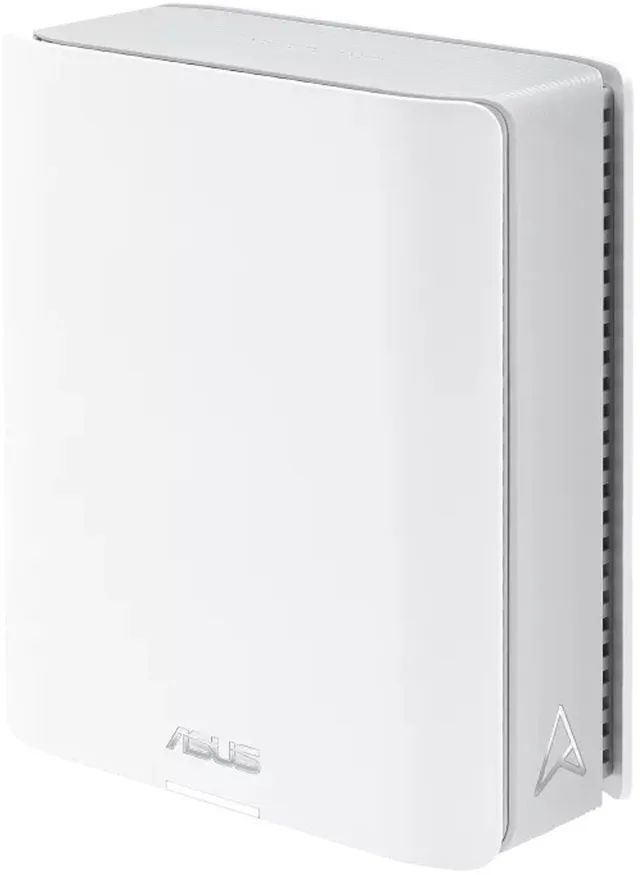
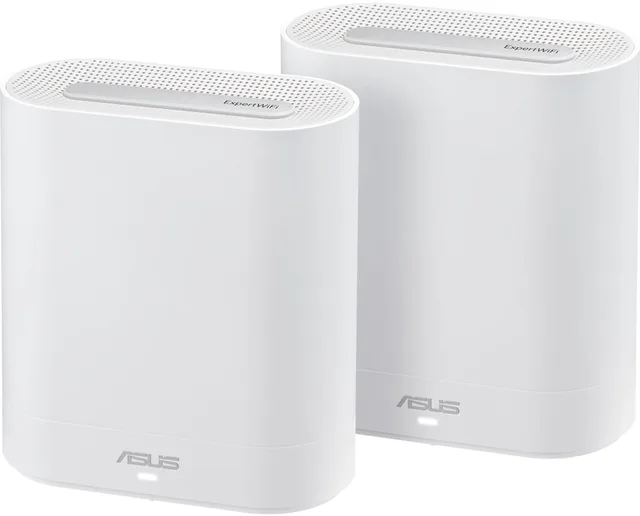
On a dual-band mesh, the nodes use the same two bands for the link between nodes and for your devices, so a wireless hop costs speed, much as it does with a repeater. A tri-band mesh has a third band. Where the manufacturer states that this band is a dedicated backhaul, the link between nodes stays apart from your devices. How a system divides its bands differs per brand and model, so read the specification or the manufacturer's page for the exact model. Examples in the catalogue are the ASUS ZenWiFi BT10 and the ASUS ExpertWiFi EBM68, both tri-band. Tri-band costs more and is mainly worth it in a large house where you cannot run cables.
Tri-band mesh systems
- ASUS
ZenWiFi BT10
Mesh WiFi · Tri-band · WiFi 7Wi-Fi 718,000 Mbps1 piecesFrom €329 · at 4 shops
- ASUS
ExpertWiFi EBM68
Mesh WiFi · Tri-band · Wi-Fi 6Wi-Fi 67,800 Mbps2 piecesFrom €262.48 · at 4 shops
- ASUS
ZenWiFi BT8
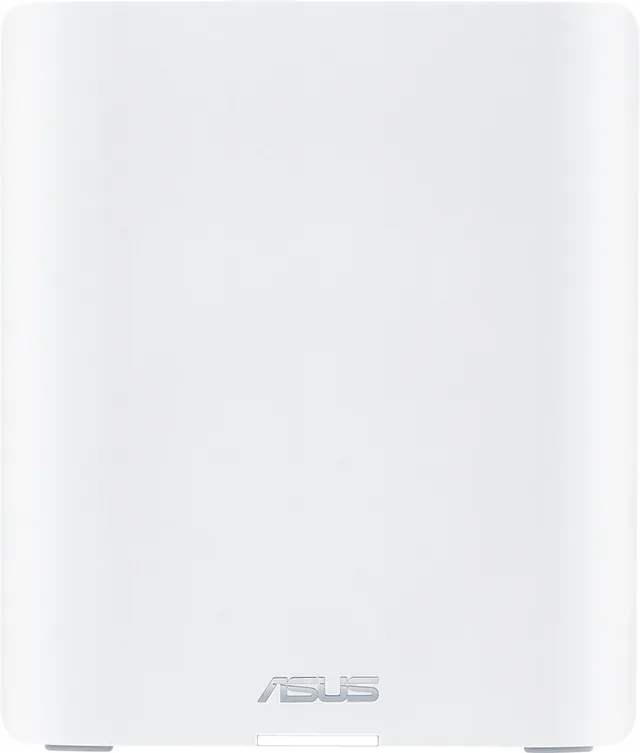
Mesh WiFi · AiMesh · Tri-BandWi-Fi 714,000 Mbps1 piecesFrom €256.90 · at 3 shops
- AVM
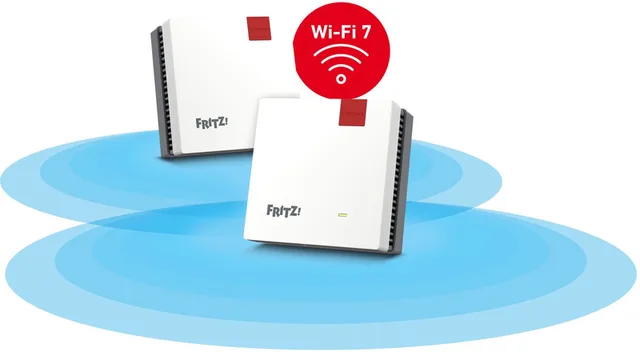
FRITZ!Mesh Wi-Fi Set 1700
Mesh WiFi · WiFi Versterker · WiFi 7Wi-Fi 73,600 Mbps2 piecesFrom €209 · at 4 shops
- TP-Link
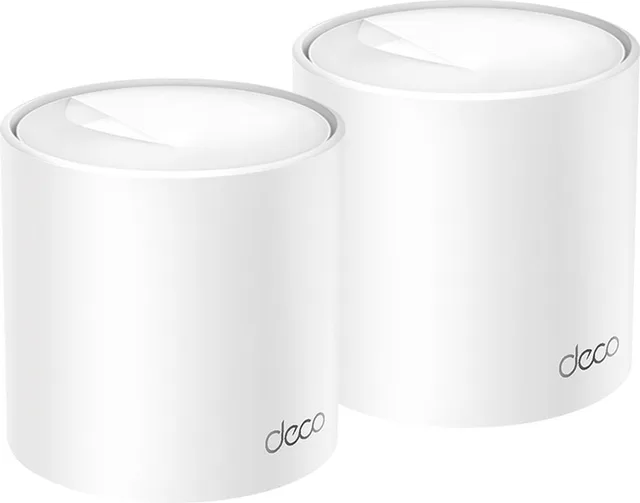
Deco X10
Mesh WiFi · WiFi 6 · 1500 MbpsWi-Fi 61,500 Mbps2 piecesFrom €99.99 · at 5 shops
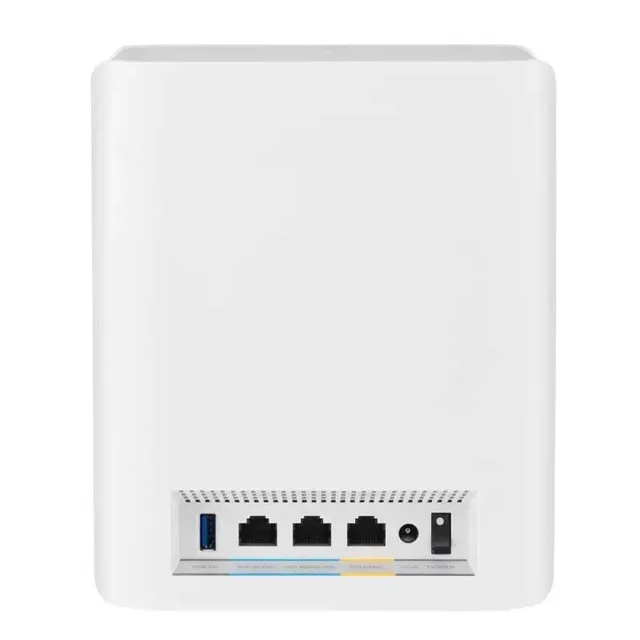

Wired backhaul: the best fix when you can run a cable
If you can connect your nodes with network cable, do. TP-Link states that for its Deco systems wired units communicate faster and more stably than over wifi, and that the traffic over the cable does not use wireless bandwidth. When two Deco units are cabled, the wifi link between them switches off automatically. You do not have to wire every unit: wired and wireless links can be mixed in one network.
ASUS offers the same in AiMesh (an Ethernet backhaul option, which ASUS says optimises the bandwidth and stability between the router and the nodes), and AVM lets a FRITZ!Repeater connect to the FRITZ!Box through LAN. Two practical notes from TP-Link: in router mode the satellites must connect to the main unit (or a switch behind it), not to the modem in front of it, or you create a loop; in access point mode they can connect to any unit. If your house has no network cable, powerline adapters send the link over your mains wiring instead, and the result depends on the wiring in your house.
When you wire the nodes, the extra backhaul band of a tri-band system has less to do. If you will cable every node, a cheaper dual-band mesh is often enough.
Access points: the cleanest option for a big house
An access point (AP) is a wifi unit that is cabled to your router and only broadcasts wifi. Because it uses a cable, there is no wireless hop between it and the router. Several of them in a house, set up as one network, avoid the weak link of a wireless hop. Ubiquiti UniFi and TP-Link Omada access points are made for this kind of setup. Most are powered over the network cable (PoE), so you need one cable per AP and a PoE switch or injector.
You need cables to every AP, and the setup is more technical than a mesh kit. Browse all access points.
Access points
- Ubiquiti
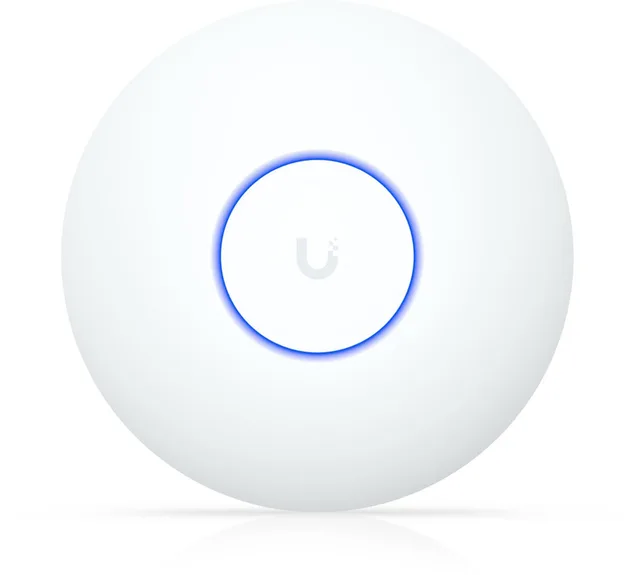
U7 Lite network access point, Wi-Fi extender, MU-MIMO, Wi-Fi 7, PoE
Wi-Fi 7PoEFrom €107.69 · at 3 shops
- TP-Link
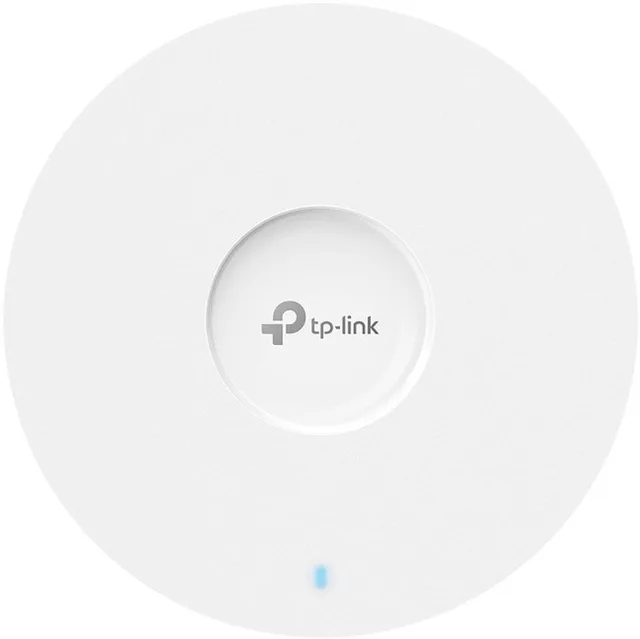
Omada EAP653 access point, AX3000, dual-band
Wi-Fi 63,000 MbpsPoEFrom €90.50 · at 4 shops
- TP-Link
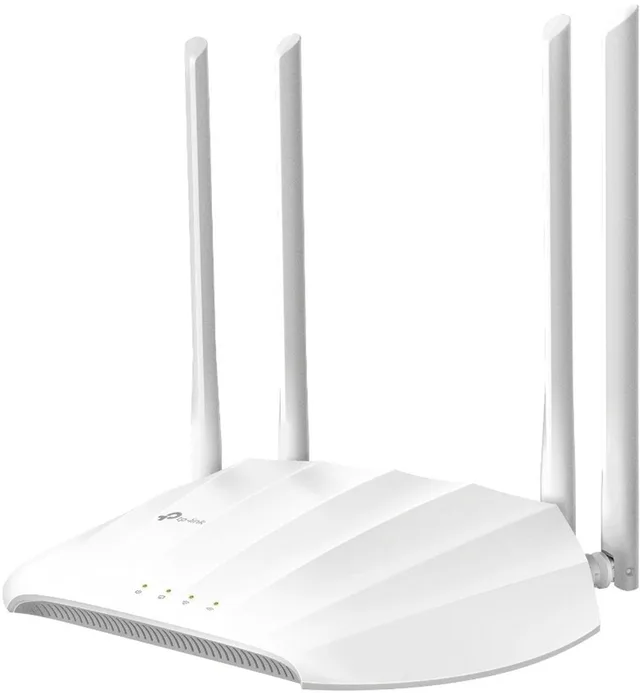
TL-WA1201 access point, 1200 Mbps
Wi-Fi 51,200 MbpsPoEFrom €47.78 · at 5 shops
Wifi 6, 6E or 7?
The wifi generation matters less for coverage than for how much your devices can share. According to the Wi-Fi Alliance, wifi 6E extends the features of wifi 6 to the 6 GHz band. Wifi 7 works across the 2.4, 5 and 6 GHz bands and adds multi-link operation, which balances traffic over several links; the Wi-Fi Alliance describes wifi 7 as delivering high throughput, lower latency and greater reliability. You only benefit if your phone or laptop supports the same standard. For a large house, a better backhaul or cabling is the first thing to fix; the wifi generation comes second, and the specification of each product says which bands it has.
How many nodes do you need?
We do not give a square-metre rule, because it depends on walls, floors and materials. Use the figure the manufacturer prints for the pack, for example the area or number of rooms for a 1-, 2- or 3-pack, and remember that these are measured in good conditions. As a starting point: place one node in the centre of each floor, not one per room, and add a node only where a device still gets a weak signal.
- Place nodes in the open, not in a cupboard or behind a TV.
- Stay in range of the previous node. For a wireless link, set up the node near the router first and move it afterwards (a common step in vendor guides); AVM advises using LAN when a repeater must stand beyond the router's range.
- Multi-storey houses: a node on each floor, ideally cabled.
Modem or router?
A modem connects you to your provider's line. A router shares that connection and runs your wifi. Many providers supply one box that does both. If you buy your own router or mesh system, put the provider's box in bridge mode (or switch off its wifi and router functions) so that you do not have two routers each doing network address translation (double NAT), which can break port forwarding and gaming. How to do this depends on your provider, so check their instructions; some require you to call them.
Wifiknight lists routers, mesh systems, extenders and access points with prices from several shops. Provider-supplied rental modems and contracts are not listed. Compare routers and mesh wifi by exact model and shop price.
Can I mix brands?
Usually a mesh works best with nodes of the same brand and series. The Wi-Fi Alliance's EasyMesh standard is meant to let access points from several vendors work together as one network, but support and features differ per product, so check that both the main unit and the extra node name EasyMesh in their specifications. Brand systems such as ASUS AiMesh, TP-Link Deco and AVM FRITZ!Mesh mostly connect only their own devices (AVM lets a FRITZ!Repeater join a FRITZ!Box, for example), so check the manufacturer's compatibility list before you buy a second brand.
What to pick
- One far room, a few devices: a repeater, placed halfway.
- Large house, no cables: a tri-band mesh; check that the manufacturer states a dedicated backhaul.
- Large house, cables possible (or can be added): a mesh with wired backhaul, or access points.
- A provider box you cannot replace: an access point or mesh behind it, with the provider box in bridge mode.
Frequently asked questions
What is the best wifi range extender for a large house?
For a large house, a repeater is rarely the best answer: a repeater on the same band has to alternate between receiving and sending, and every wireless hop makes the connection slower. A mesh system with a dedicated backhaul, or mesh nodes or access points connected by network cable, usually works better. If you do want a repeater, look for one with a LAN port or crossband (dual-band) repeating, and place it halfway.
Is mesh wifi better than a repeater?
A mesh system makes one network of all nodes and hands your devices over as you walk. A mesh with a dedicated backhaul band keeps the link between nodes apart from your devices, which a repeater working on a single band cannot do. Wired backhaul is better still, with either.
Do I need a modem as well as a router?
Only if your provider needs a separate modem. Many provider boxes combine both. If you use your own router, set the provider's box to bridge mode so that only one device routes.
Can I use a different brand for the extra node?
It depends on the product. EasyMesh from the Wi-Fi Alliance is meant to allow multiple vendors, but check the specifications of both devices. Within one brand and series, it works as the manufacturer describes.
Keep looking
Wifiknight doesn’t test devices itself. This guide sets out what manufacturers state.
Products from this guide
Popular products with a current price at the shops. Compare the prices on the product page.
- ASUS
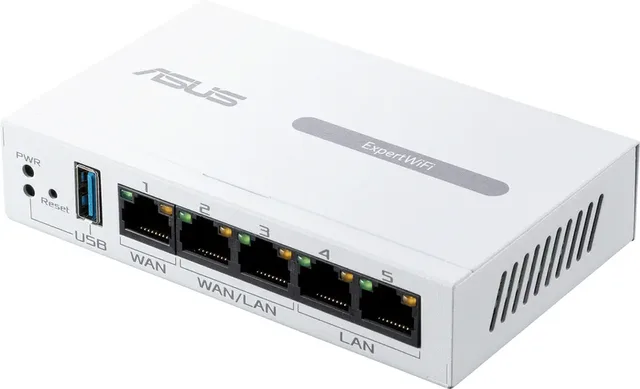
ExpertWiFi EBP15 WiFi-router
5From €76.36 · at 5 shops
- ASUS
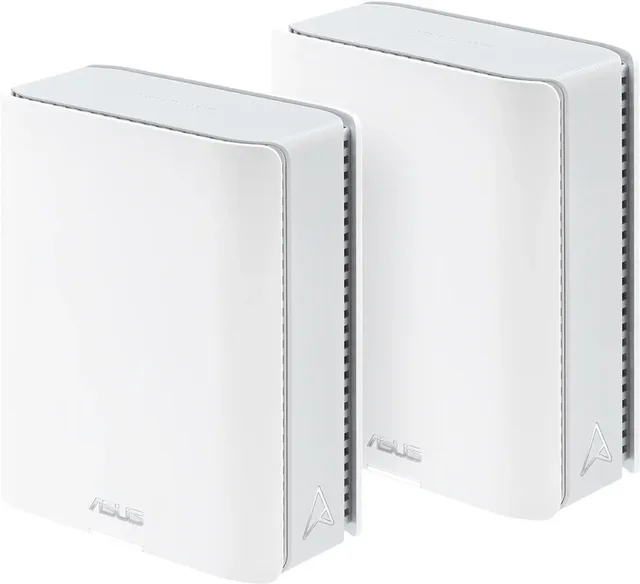
ZenWiFi BT10 Router 5 GHz, 2.4 GHz 2.5 GBit/s
Wi-Fi 72,500 Mbps2 piecesFrom €495 · at 3 shops
- TP-Link
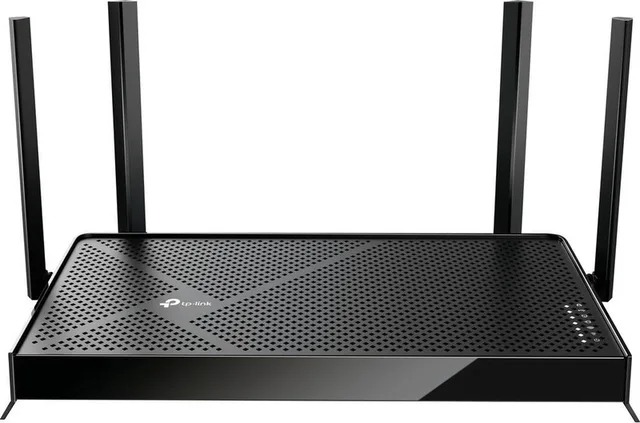
Archer BE230 router, Wi-Fi extender, dual-band, WiFi 7, 3600 Mbps
Wi-Fi 73,600 MbpsFrom €84.99 · at 6 shops
- Ubiquiti
U7 Lite network access point, Wi-Fi extender, MU-MIMO, Wi-Fi 7, PoE
Wi-Fi 7PoEFrom €107.69 · at 3 shops
- TP-Link
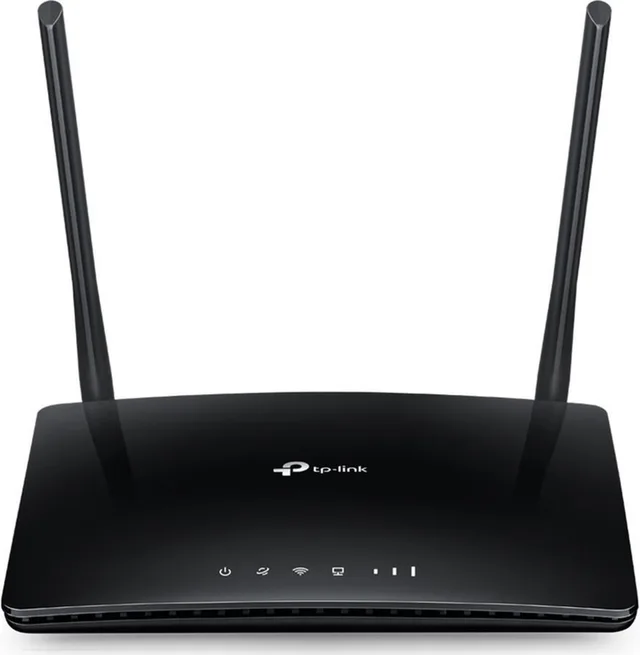
Archer MR200 V3 4G router
Wi-Fi 5750 Mbps4G / LTEFrom €73 · at 4 shops