






Routers
Routers on Wifiknight: 1,386 products from 59 brands, including TP-Link, Teltonika and CradlePoint.
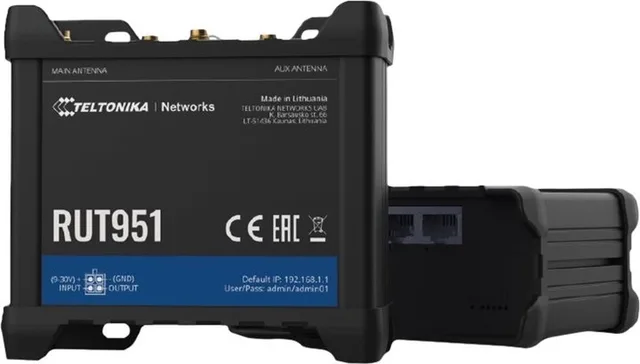
Rut951 industrial Dual Sim Lte 3 Ports Router Zilver
34G / LTE
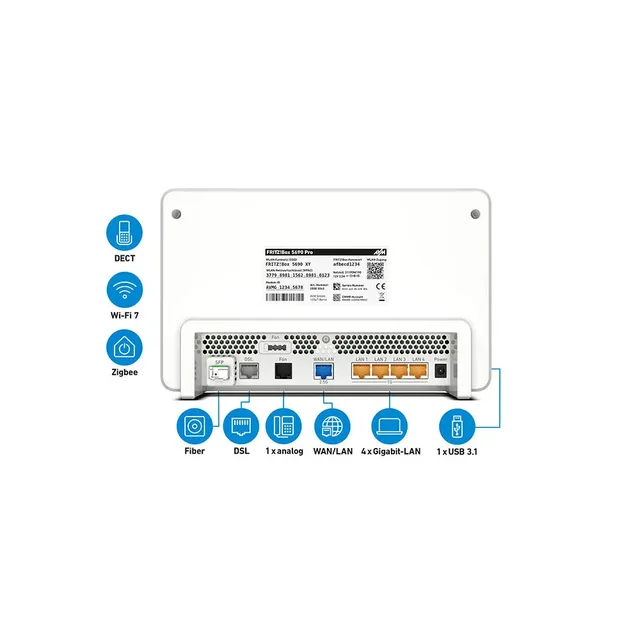
FRITZ!Box 5690 Pro
Wi-Fi 711,000 Mbps4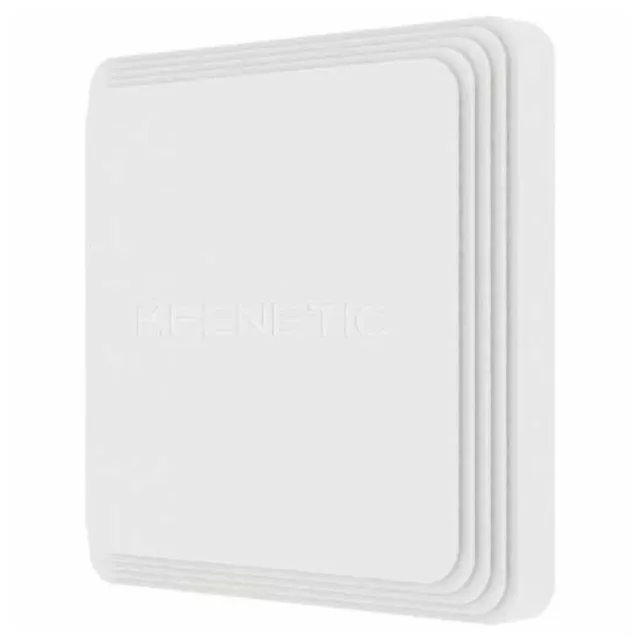
Orbiter Pro Router Clair
Wi-Fi 52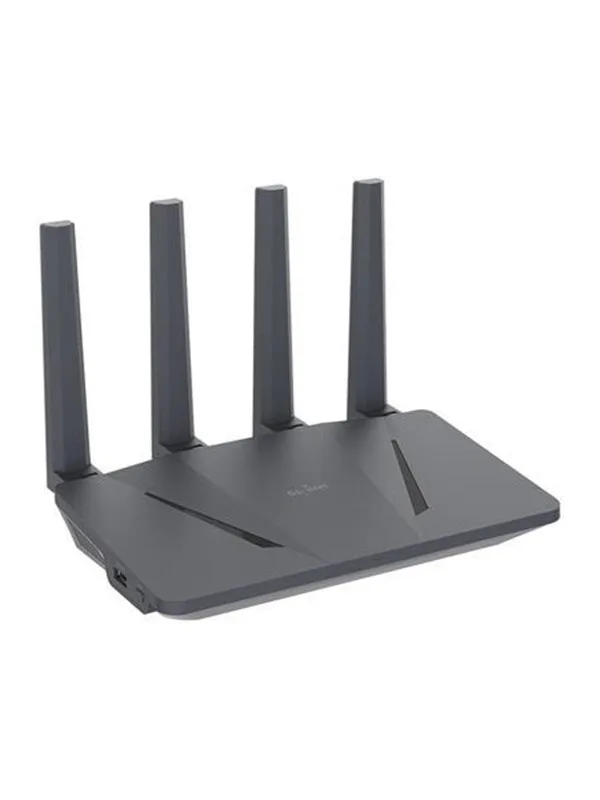
Flint Router
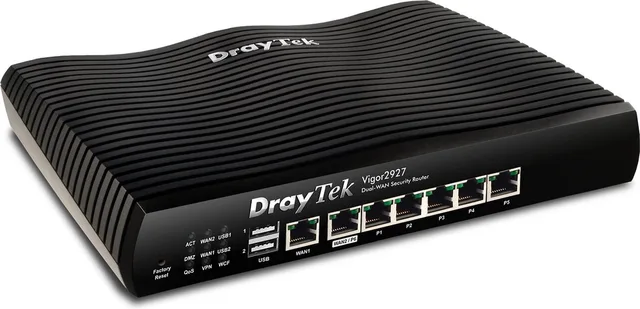
Vigor2927
Gigabit Ethernet6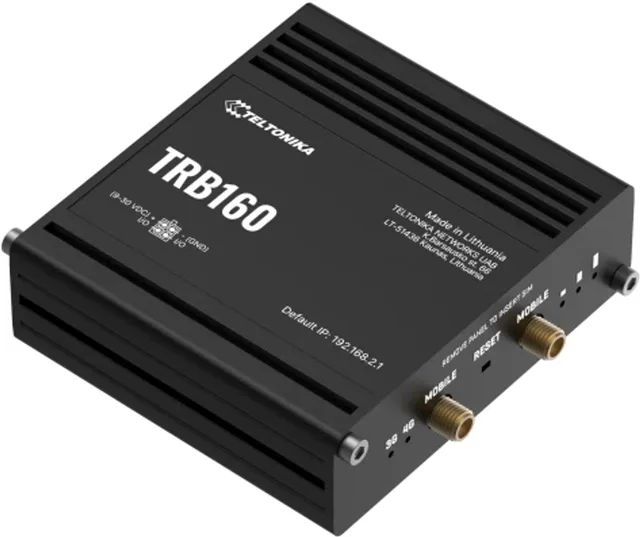
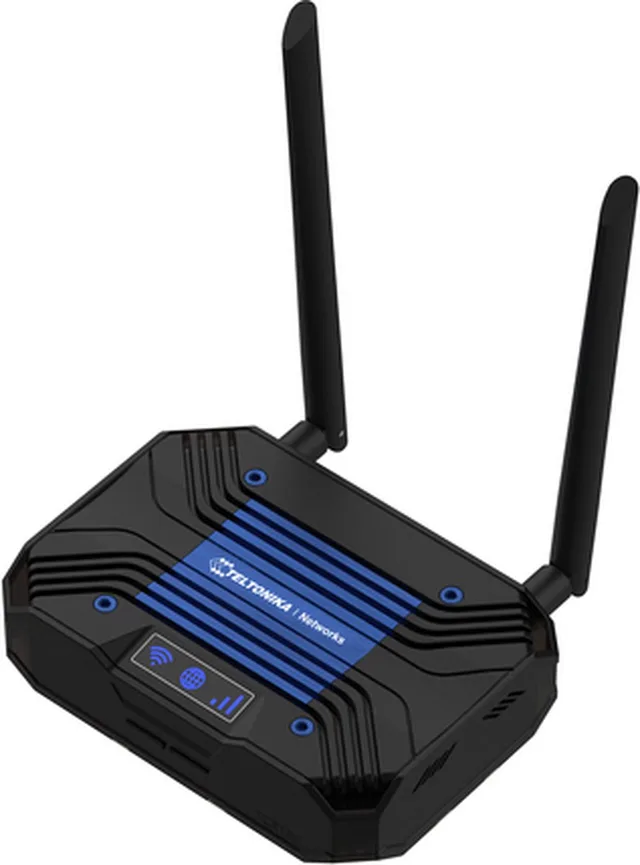
TRB160 4G-router Industrieel
1,000 Mbps4G / LTE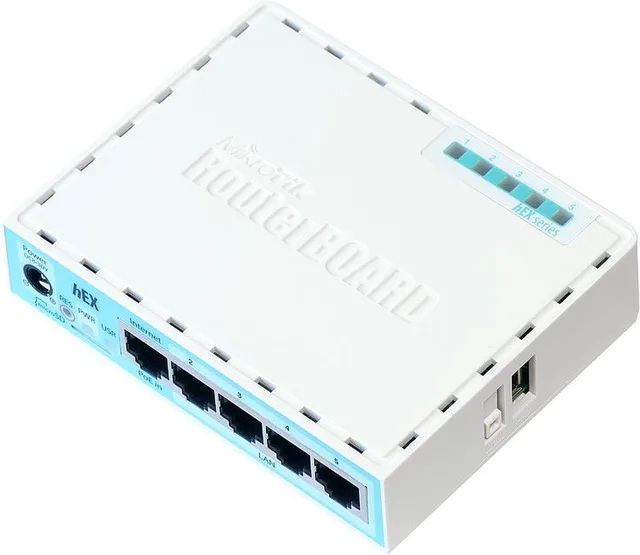
RouterBOARD RB750Gr3
Router Without Wireless Network4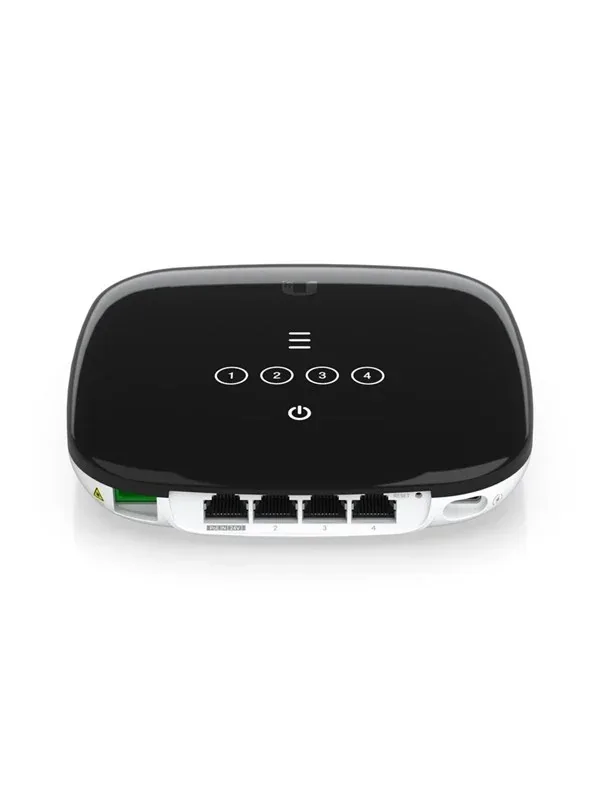
UF-WiFi6 / UISP UFiber WiFi6 GPON CPE, Wireless Router Wi-Fi 6
Wi-Fi 61,000 Mbps4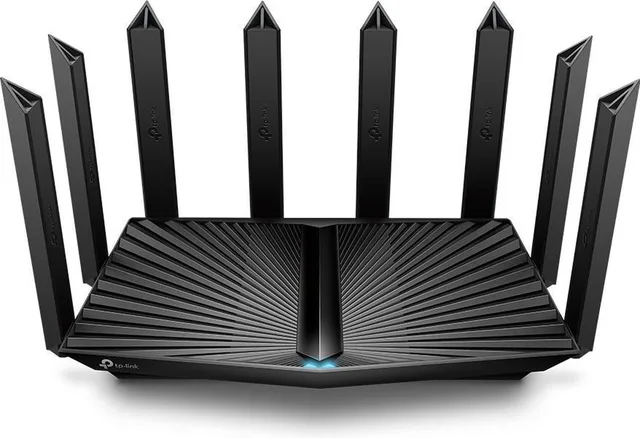
Archer AX90
Gaming Router · AX6600Wi-Fi 66,600 Mbps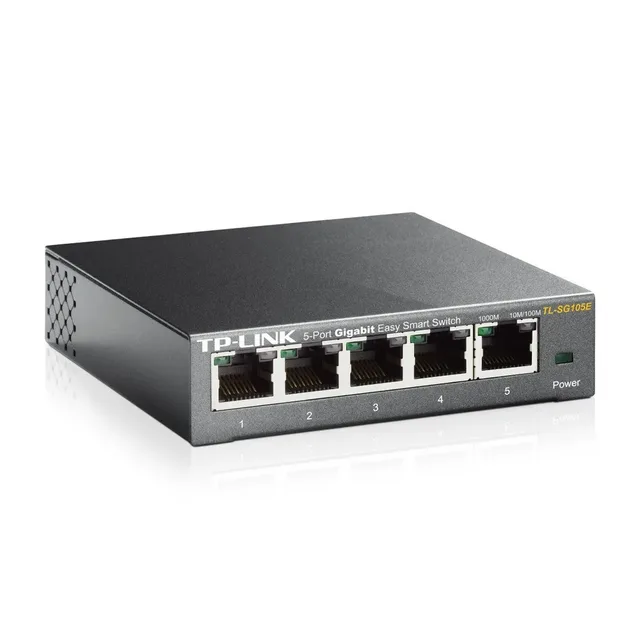
Tl-sg105e V5.40 Router Silber
5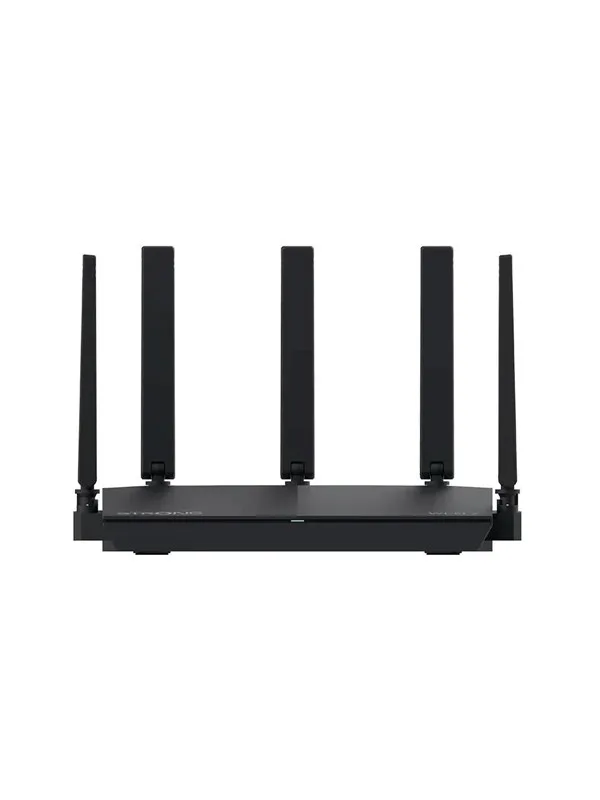
BE3600 Wi-FI 7 Dual band router
Wireless router Wi-Fi 7 (802.11be)Wi-Fi 73,600 Mbps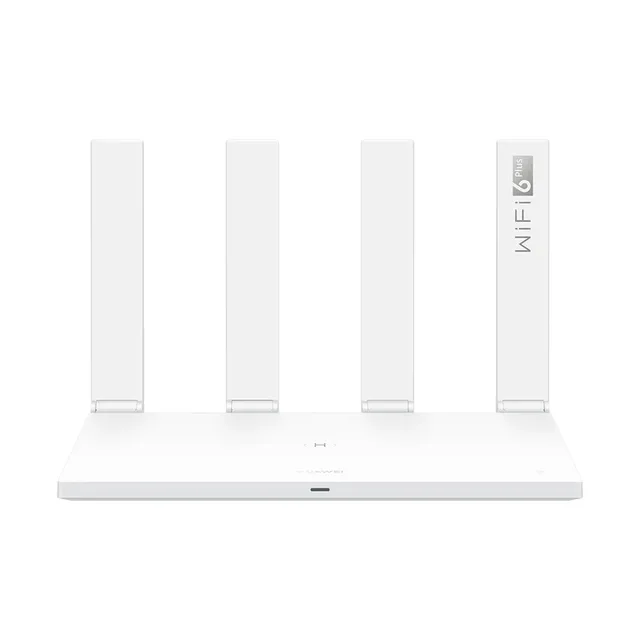
WiFi AX3
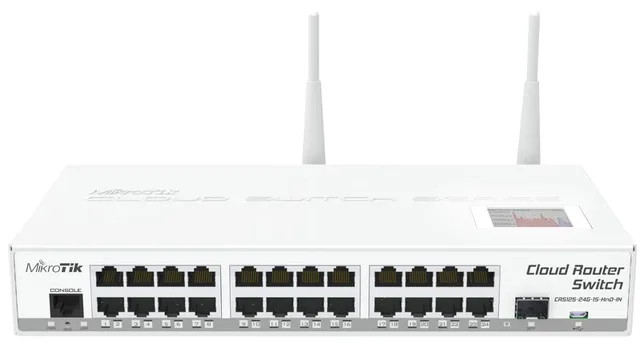
CRS125-24G-1S-2HND-IN wireless router Gigabit Ethernet Dual-b
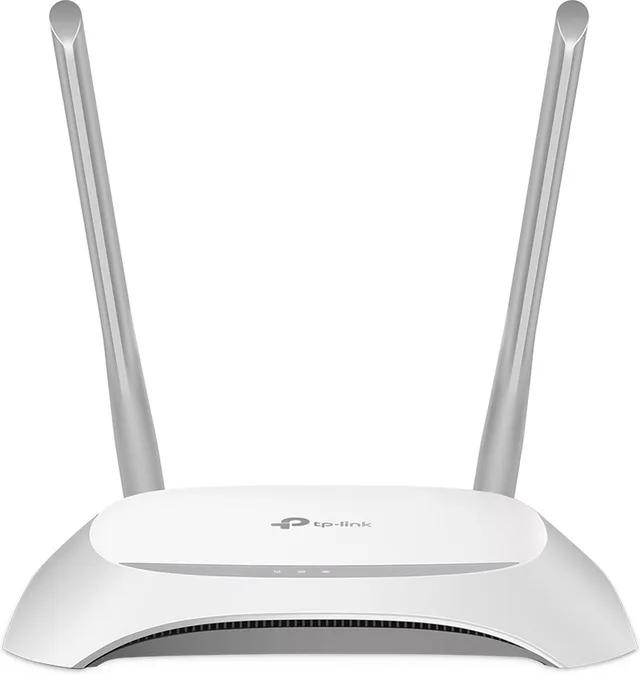
TL-WR840N, Router, N300
Wi-Fi 4300 Mbps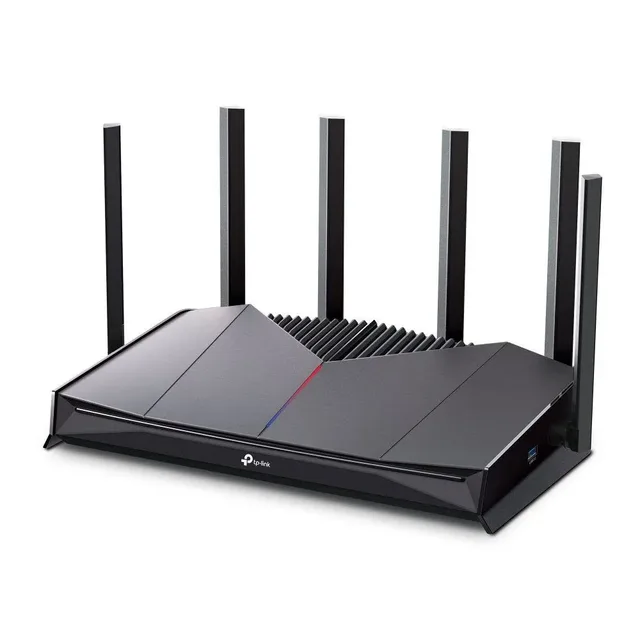
Archer Ge400 Router Silber
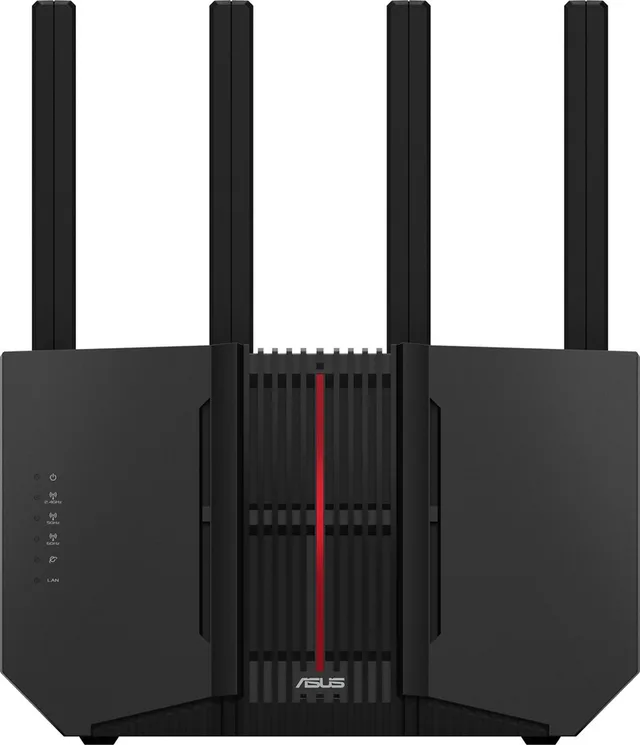
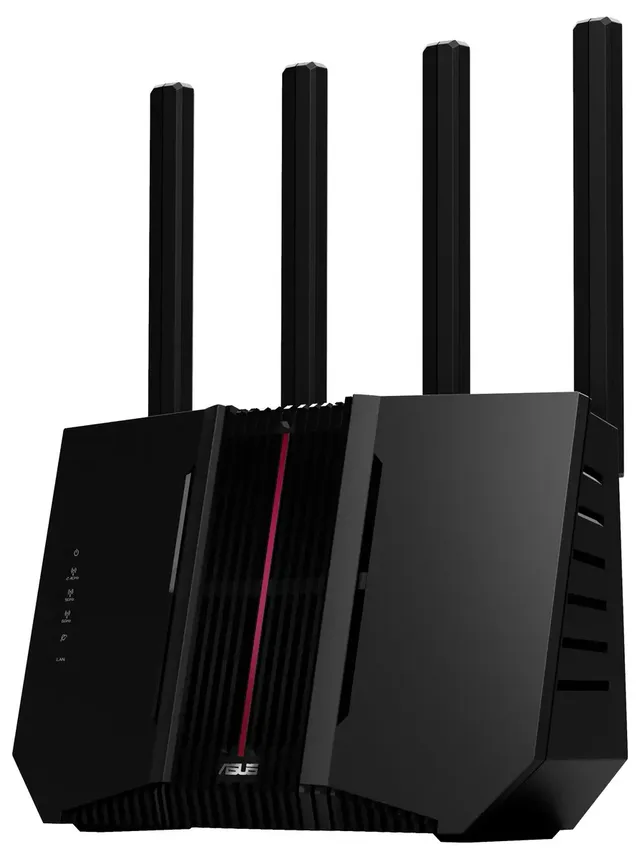
Rt-be92u router
Wi-Fi 79,700 Mbps4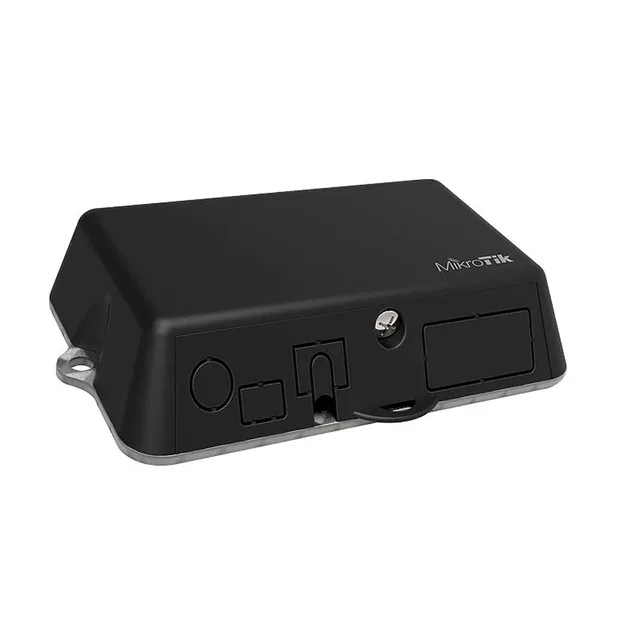
Ltap Mini Portable Router Silver
300 Mbps4G / LTE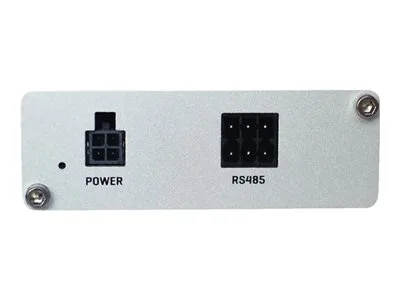
TRB145 LTE Gateway
100 Mbps4G / LTE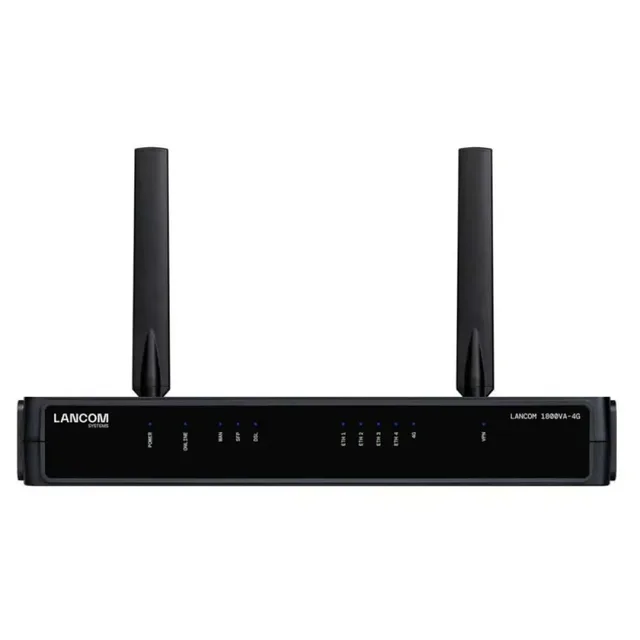
R&S®LANCOM 1800VA-4G
(EU)4G / LTE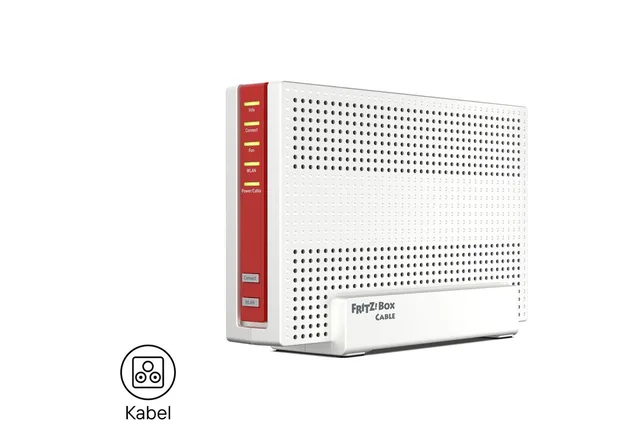
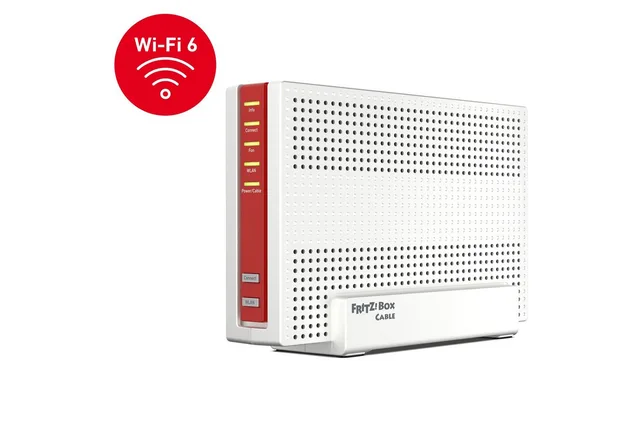
Box 6690 Cable
Wireless router Wi-Fi 6Wi-Fi 66,000 Mbps4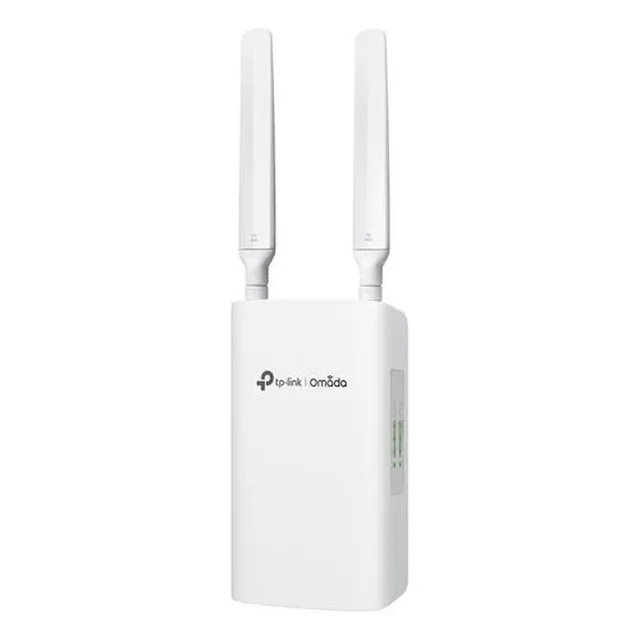
Omada ER703WP-4G-Outdoor gateway/controller 10Mbit/s, 100Mbit/s, 1000Mbit/s
Wi-Fi 6100 Mbps4G / LTE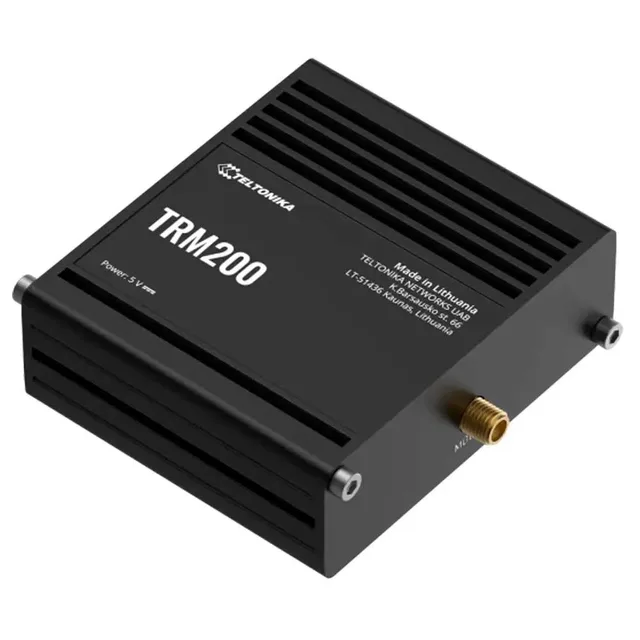
4g Cat 4 Router Black
4G / LTE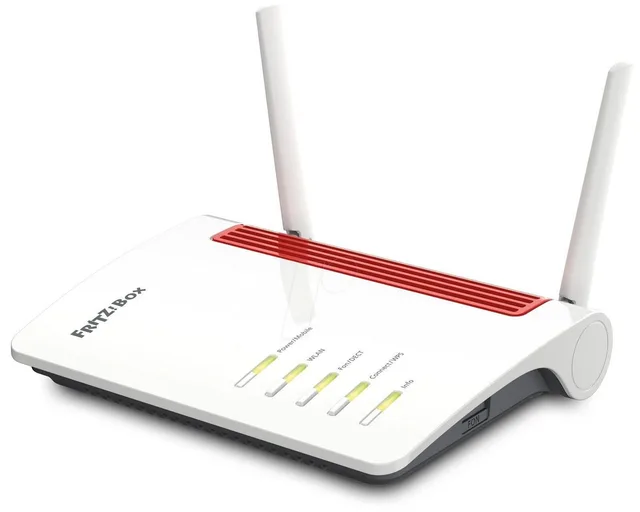
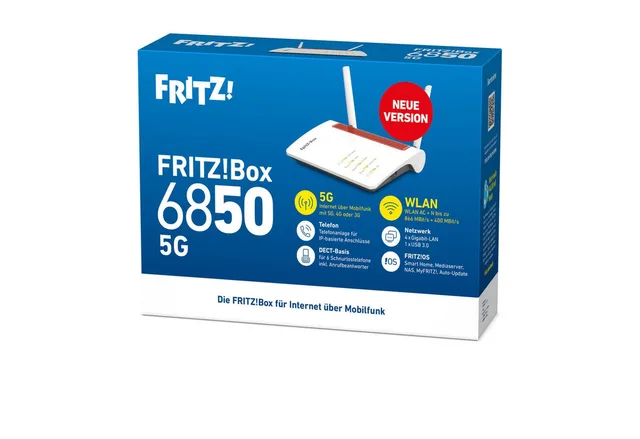
Fritz! 20003180 Router White
5GAlso in Routers (150)
- Explorer Router Silber
- M7350 Portable Router Clear
- USG FLEX 200HP hardware firewall 5 Gbit/s
- Archer Be700 Wireless Router Black
- GT-AX6000 AiMesh draadloze router Gigabit Ethernet Dual-band (2.4 GHz / 5 GHz) Zwart (90IG0780-MO3B00)
- Tl-mr3020 V3.2 Wireless Router Clear
- TRB140 LTE-gateway LAN (10/100 MBit/s)
- RG-EG105G-V3 Router (RG-EG105G-V3)
- Hero 4g+ Ax1800 Wireless Router Silber
- FRITZ!Box 7690, Wireless Router, WiFi Repeater, WiFi 7, 2.5 Gbps Port
- Archer BE400 - Router - WiFi 7 - Dual-Band - BE6500
- Rb951ui-2hnd Poe Router Silver
- Wireless Qualcomm (DW5825e)
- Vigor 2927ax WLAN-AX SecureRouter DUAL-WAN retail
- Wr3600e Router Clear
- GL-MT3000 (Beryl AX) - Compacte WiFi 6 Router
- RUTM56 - wireless router - WWAN - Wi-Fi 5 - 5G 4G 3G 2G - DIN rail mountable wall-mountable surface-mountable - Wireless router 802.11a/b/g/n/Wi-Fi 5 Wave 2
- Gs108u Router Silber
- RouterBOARD RB450Gx4 - open board without enclosure - router - Router
- Archer Ax17 Wireless Router Black
- Speedster 4g+ Portable Router Silber
- Box 5590 Fiber wireless router Gigabit Ethernet Dual-band (2.4 GHz / 5
- Halo H50g Router Clear
- ASUS 4G-BE58 4G WiFi Router BE3600 Dual-band WiFi 7 (802.11be) 4G LTE FWA Home Router 2.5G WAN/LAN Port AiMesh Extendable Router - Wireless router 802.11a/b/g/n/ac/ax/be (Wi-Fi 7)
- Archer Be220 Be3600 Dual-band Wi-fi 7 Router Black
- Altos - wireless router - WWAN - Wi-Fi 7 - 5G 3G 4G - surface-mountable - Wireless router 802.11a
- Explorer 4g Portable Router Clair
- Omada Fusion G+ - Gateway
- Trb142 Router Silber
- Archer MX700 draadloze router Gigabit Ethernet Dual-band (2.4 GHz / 5 GHz) 4G Wit
- ROG Strix GS-BE18000 wireless router, tri-band, WiFi 7, 2.5 Gbps port
- Router Mikrotik hEX S 11W
- Box AVM 6850 5G v2 International draadloze router Gigabit Ethernet Dual-band (2.4 GHz / 5 GHz) Wit
- RUT956, Wireless Router, WWAN, 802.11b/g/n, 3G 4G 2G, DIN rail mountable, Wireless router N Standard, 802.11n
- Fritz! Fritz!box 6825 Router Clear
- G416c Wireless Router Clear
- Tenda 4g 4g180 V4.0 Wireless Router Clear
- Reyee 9-Port Gigabit Cloud Managed SFP Router, 8x Gbit, 1x SFP Router (RG-EG209GS)
- Reyee Cloud 8ge+1sfp+1sfp+ Router Silver
- hAP ac³, Wireless Router Wi-Fi 5
- TK-TRB143 4G-router Industrieel - 1000 Mbps
- Netgear Starter N300 Router Clair
- TUF Gaming BE9400 gaming router, WiFi 7, tri-band, 2.5Gbps port, 9400 Mbps
- ROG Rapture GT-BE19000AI gaming router, WiFi 7, tri-band, 10G
- Box 7590 AX - Wireless router Wi-Fi 6
- ASUS 4G-AC86U wireless router Gigabit Ethernet Dual-band (2.4 GHz / 5
- RUT901 Industrial Cellular Router (RUT901000000 / Standard package with EU PSU) - Wireless router LTE
- RT-AX50 AX3000 AiMesh, Router
- RUT360 LTE-router Ethernet
- TRB500 5G Router / Gateway
- FRITZ!Box 5530 SFP XGS-PON - Draadloze Router - WiFi Versterker - Dual-Band - WiFi 6
- Dr3650v Router Silver
- Hex 5 Gigabit Ports 512 Mb Ram E50ug Router
- Fritz! 20002925 Wireless Router White
- Ac1200 Router Black
- Hex lite rb750r2 5x Ethernet 850MHz CPU 64MB RAM MPLS Router RouterOS L4 - Router Without Wireless Network
- connectivity tray for LCD-scherm
- RUT241 Industrial 4G eSIM Router (Global RUT241230000 / Standard package with EU PSU) - Wireless router N Standard - 802.11n
- Trm240 Router Durchsichtig
- Connect X6E - 5G Draagbare Router - Tri-band - WiFi 6E - NFC - tot 128 apparaten
- TK-RUTX12 4G-router Dual SIM - Wifi - Industrieel
- Fsw-0508 Tx Router Black
- Tl-mr100 Router Black
- RUT200 Industrial Cellular Router (RUT200040000 / Standard package with EU PSU) - Wireless router N Standard - 802.11n
- Predator Connect W6x W-Fi 6 Gaming Router - Wireless router Wi-Fi 6
- ATL R16 - router - 5G 3G 4G - rooftop-mountable - Router
- RUT986 - wireless router - WWAN - Wi-Fi - 4G 3G 2G - DIN rail mountable surface-mountable wall-mountable - Wireless router N Standard - 802.11n
- Archer AX58 Wi-Fi 6 Wi-Fi router, dual band AX3000, 5 gigabitpoorten, WPA3, ouderlijk toezicht, gastnetwerk, geen DSL-functie
- Archer C64 Router Silver
- TUF Gaming AX3000 V2 - Draadloze router - 4-poorts switch - GigE - Wi-Fi 6 - Dual Band
- RUTX11 Industrial Cellular Router (RUTX11300400 / Standard package with US PSU) - Wireless router 802.11a/b/g/n/Wi-Fi 5 Wave 2
- ISR 4331 - Router
- Ap361 Router Durchsichtig
- Vigor2927ac wireless router Gigabit Ethernet Dual-band (2.4 GH
- Archer AX58 wireless router Gigabit Ethernet Dual-band (2.4 GH
- Lancom 730-4g+ Router Grey
- RUT204 - wireless router - WWAN - Wi-Fi - 4G - DIN rail mountable - Wireless router N Standard - 802.11n
- C1121-8P wired router Gigabit Ethernet Silver
- Foxconn SDX61
- RouterBOARD PowerBox Pro - Router 1GbE - monteerbaar op DIN-rails
- Ex520v Wireless Router Clear
- Wr841n Pl Router Weiß
- EdgeRouter ER-4 - Router 1GbE
- Beryl 7 (GL-MT3600BE) Dual-band Wi-Fi 7 Travel Router - Wi-Fi 7
- Vigor 2927Lac wireless router Gigabit Ethernet Dual-band (2.4
- icom MRX2 LTES-US 1.0 Router
- icom MRX5 LTE mod. LTE-Router
- Mr85x Router Silber
- Mt115 Router Clear
- E300-C7D - Wireless router Wi-Fi 6
- E300-C7D - Wireless router Wi-Fi 6
- R920 - Wireless router Wi-Fi 6
- G5 Air Router Transparant
- U30 Pro Router Groen
- Z3460 Router Transparant
- E100-5GC - Wireless router Wi-Fi 5
- Challenger Se Router Durchsichtig
- Kn 3811 01 Eu Wireless Router Silber
- Titan Be7200 Router Silber
- Sf-router-4g-ups-4p Router Transparant
- Slate Ax Portable Router Silber
- Brovi 5g Cpe 5 H155-381 Portable Router White
- RUT241, Wireless Router, WWAN, 802.11b/g/n, 3G 4G 2G, DIN rail mountable, Wireless router N Standard, 802.11n
- RUT241 eSIM - wireless router - WWAN - Wi-Fi - 2G 3G 4G - DIN rail mountable - Wireless router N Standard - 802.11n
- Trm250 Router Clair
- SXT LTE7 kit - router - WWAN - 3G 4G - pole-mountable - Router
- Archer 5G AX3000 Wireless Dual-Band Gigabit Router
- SCR50AXE-EU0101F routeur sans fil Gigabit Ethernet Tri-bande (2,4 GHz / 5 GHz / 6 GHz)
- Atrm50 Router Zilver
- RUT951 - wireless router - WWAN - Wi-Fi LTE - 3G 4G 2G - DIN rail mountable surface-mountable wall-mountable - Wireless router LTE
- Xx532v Wireless Router Black
- Be9300 Tri-band Wi-fi 7 Router Silber
- Vigor 2136 Home Router retail
- Rb4011igs+5hacq2hnd-in Router Silber
- KN-2112 draadloze router Gigabit Ethernet Dual-band (2.4 GHz / 5 GHz) Grijs, Wit
- Flint 3e GL-BE6500 router - Wi-Fi 7 - 5x 2.5G - Hoge Snelheid -Uitgebreide Dekking
- Router TL-MR6400 4G Router
- Vigor 166V2 - Router
- RUT906 - wireless router - WWAN - Wi-Fi - 4G 2G 3G - DIN rail mountable wall-mountable surface-mountable - Wireless router N Standard - 802.11n
- Ir04_eu Router Black
- Archer MR600 wireless router
- Rt-ac1200 V.2 Router Zwart
- RT-BE58U V2 BE3600 AiMesh WLAN Router 3600 MBit/s
- Rut260 Router Black
- CUDY Router
- Usgflex50hp Gold Router Silver
- M7352 mobiele router / gateway / modem
- RUT276 - wireless router - WWAN - LTE Wi-Fi - 5G 4G - DIN rail mountable wall-mountable surface-mountable - Wireless router LTE
- R&S®LANCOM 1800VAW (EU)
- Ax3000 Wireless Router Clear
- Mr25be Router Silver
- Strong 4grouter360 Portable Router Clear
- UTR wireless router Gigabit Ethernet dual-band (2.4 GHz / 5 GHz)
- FRITZ!Box 6825 4G
- WLAN FRITZ! Stick AC 430 MU-MIMO 433 Mbit/s
- Usgflex50h Gold Router Silver
- UISP-R - Router - Gigabit - 8 poorten
- DBR-330 AX3000 Wi-Fi 6 Travel Router - Wireless router 802.11b/g/n/ac/ax
- Routeur 3g Tl-mr3420
- Strong 350 Mini - 4G LTE Wireless router - 300Mbit/s - 4G N Standard - 802.11n
- EX3501-T0 Dual-Band Wireless AX3000 Gigabit Ethernet IAD/Gateway - Wireless router Wi-Fi 6
- AX6000 Wi-Fi 6 SOHO Router
- Rackmount Kit-d226 Router Silver
- Box 6860 5G v2 Edition International Router Wit
- Box FRITZ! 6850 4G International draadloze router Gigabit Ethernet Dual-band (2.4 GHz / 5 GHz) Wit
- RUTM09 4G LTE Router (RUTM09000000 / Standard package with EU PSU) - Router
- WR6500 Serie - Gigsbit Wi-Fi 7 Router - Snelle Reactie - Sterke Processor
- RUTM20 - wireless router - WWAN - Wi-Fi 5 LTE - 5G 4G 3G - DIN rail mountable surface-mountable wall-mountable - Wireless router 802.11a/b/g/n/Wi-Fi 5 Wave 2
- Orbiter Pro 4-Pack WiFi-router 2.4 GHz, 5 GHz 1300 MBit/s
- Router AC1200
Choosing a router: what to look for
A router shares your internet connection between your devices, over wifi and network cables. With most subscriptions your provider gives you a modem or modem router; your own router goes behind it.
Wifi standard. Wifi 6 (802.11ax) is now the usual choice. Wifi 6E adds the 6 GHz band: more room and less interference from neighbours, but less range through walls. Wifi 7 (802.11be) allows channels up to 320 MHz wide in the 6 GHz band and can use several bands at once. You only notice that with devices that support it too.
Ports. On fibre or cable of 1 Gbit/s or faster, look for a WAN port of 2.5 Gbit/s or more; a 1 Gbit/s port will not quite carry that speed.
Router or mesh. One router usually covers a flat or a compact house. In a larger house or over several floors, a mesh system with several units often works better.
On Wifiknight you compare the prices of different shops for each exact version.
Frequently asked questions
Where can I compare router prices?
This page lists the routers Wifiknight knows. Open a model to see the shops' prices side by side. Wifiknight sells nothing itself: you order from the shop.
Do I need my own router if my provider supplies one?
Not necessarily. Your provider's router works. People choose their own for better wifi, a newer wifi standard or more settings. Ask your provider whether the modem router can run in bridge mode, so your own router runs the network.
Wifi 6 or wifi 7: which should I choose?
It depends on your devices. Wifi 7 is only faster with phones and laptops that support wifi 7 too. Older devices work with a wifi 7 router, but at their own speed.
The 10 best deals in your inbox every morning
Only real price drops. No drops, no mail. Free.